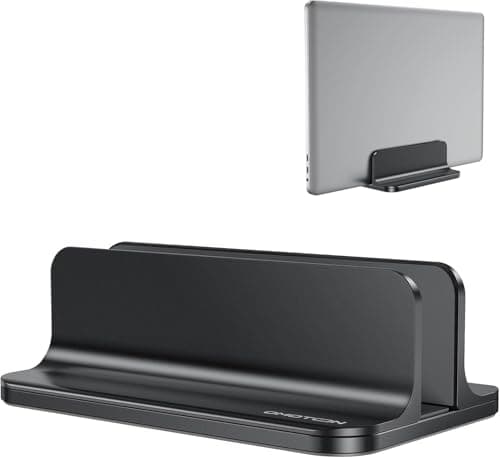
If you use an external monitor and keyboard, your laptop is furniture. Lying open it takes roughly a square foot of desk; lying closed and flat it still takes most of that. Stood on its edge in a vertical dock it takes about an inch of width and however deep the base is — which on a 36 or 40-inch desk is the largest single surface saving available for under $25.
The specification that decides whether a stand works is slot width. Laptop thicknesses vary from about 12mm for a thin ultrabook to 40mm or more for a gaming machine, and a fixed-width slot fits one and rattles or refuses the other. Every pick below is adjustable or gravity-clamped, and we state the published range where the listing gives one.
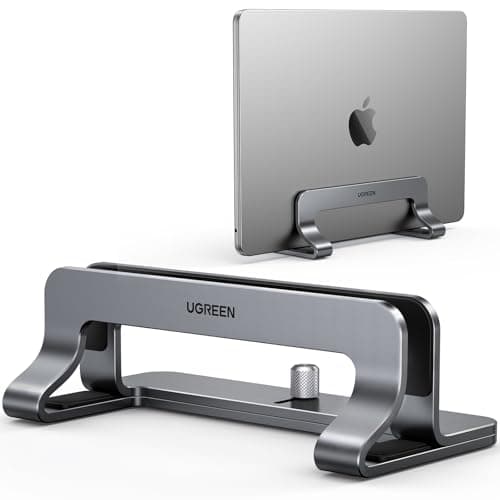
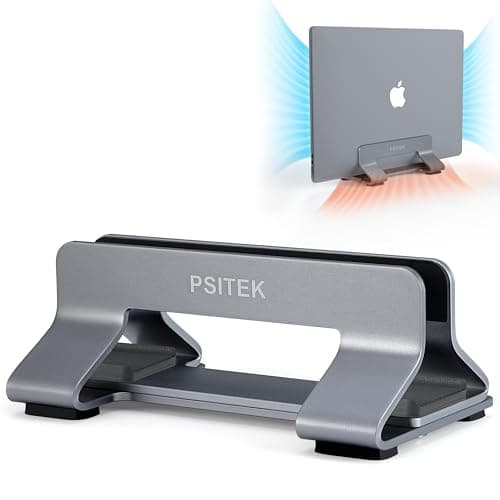
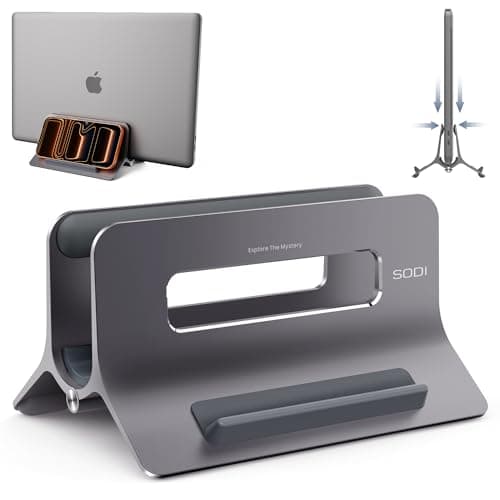
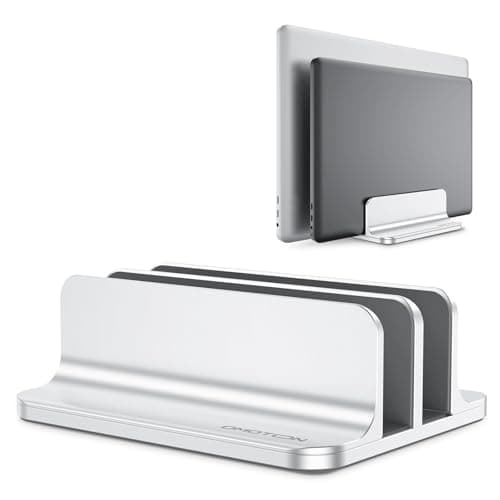
Our pick is the OMOTON adjustable dock for the balance of price and grip. The UGREEN takes machines up to 17.3 inches, the Psitek has the widest published slot range at 12–42mm, the SODI uses a gravity auto-lock rather than a screw, and the OMOTON dual holds two devices in one footprint. Live prices below; how we score is published in full.
Measure your laptop before you order
Slot ranges are quoted in millimeters and laptop thicknesses are usually published on the manufacturer's specification page. Measure at the thickest point — usually the rear hinge on a wedge-shaped machine — and add a couple of millimeters if you keep a case on it. The Psitek above publishes 12 to 42mm, which covers essentially everything; the stands that do not publish a range are the ones worth checking against reviews before buying.
Vertical, horizontal or elevated: three different jobs
| Format | Laptop screen | Desk cost | Buy it when |
|---|
| Vertical dock | Closed, unused | ~1 in of width | You have an external monitor and keyboard |
| Elevated stand | Open, as a second screen | The laptop's footprint | The laptop screen is part of the setup |
| Arm-mounted tray | Open, floating | None | You want both screens off the desk entirely |
If the laptop screen is genuinely part of your working setup, a vertical dock is the wrong product and an elevated stand is the right one — our laptop stand roundup covers those. If you want the laptop open and off the desk, a monitor arm with a laptop tray does it. The vertical dock is specifically for the closed-lid, external-monitor setup, and in that configuration nothing else saves as much surface.
Heat: the question everyone asks
A laptop running with the lid closed vents through the same grilles it always does — typically the rear and the sides, not the keyboard deck. Standing it vertically does not block those, and manufacturers support closed-lid operation with an external display as a documented mode. What does cause trouble is a machine wedged against a wall or a book with no airflow at the vents. Leave an inch of clear air behind the dock and it is a non-issue. If your laptop runs hot under load even open, that is a thermal problem the dock did not create and will not fix.
Cables, which become the visible problem
Docking a laptop vertically concentrates every cable at one point on the desk: power, video and whatever peripherals connect directly. That bundle is now the untidiest thing on the desk, and it is also what pulls a light stand over. Two fixes. Route the bundle down through a grommet or over the back edge into a cable management channel so the weight hangs below the desk rather than pulling sideways. Or reduce the bundle to one cable with a USB-C docking station, which is the combination that makes a vertical dock genuinely tidy: one cable in, everything else on the dock.
Where the reclaimed space actually goes
A square foot of desk is worth having only if you have a plan for it. On the small desks we cover, the usual answers are: room for a document beside the keyboard, space for a mug that is not next to the laptop, or the depth needed to push the monitor back to a comfortable viewing distance. That last one is the most valuable, and it is worth deliberately spending the space on rather than letting it fill up again.