HUB 05 · Small-Space Setups
What Size Desk for a Small Room or Apartment
The width and depth that actually fit, in two tables, with the reasoning shown so you can check it against your own room instead of taking our word for it.
We earn a commission when you buy through our Amazon links, at no extra cost to you. It never affects our rankings, and we say so when the cheaper product is the better buy. How this works.
The short answer: for one person, a desk about 40 inches wide and 20 inches deep fits a laptop and a single monitor comfortably, and you want roughly 24–36 inches of clear floor behind it for the chair. But the right size depends on what actually sits on the desk and where the monitor goes, so below are the width bands, the depth bands, and the clearance — each with the reasoning shown, so you can check the numbers against your own room rather than trust a single figure.
Width: size it to what sits on the desk
Width is set by how many screens you run side by side. A laptop needs about a foot of width; a keyboard-and-mouse zone wants around 20 inches; a monitor is roughly 18–24 inches wide depending on size. Add a little elbow room and the bands below fall out.
| Setup | Desk width | Reasoning |
|---|---|---|
| Laptop only | 32–40 in | Laptop plus notebook and a mug; single work zone |
| Laptop + one monitor | 40–47 in | One screen zone plus the laptop or a writing area beside it |
| Dual monitors | 47 in and up | Two screens side by side each need their own width |
A note on dual monitors in a small room: you can often avoid the 47-inch-plus desk entirely by putting both screens on a dual monitor arm, which floats them above the surface so the desk only has to be wide enough for the arm’s clamp, not for two footprints.
Depth: the number nobody checks
Everyone measures width and forgets depth — then finds a monitor base and a keyboard do not both fit. Depth is driven by one decision: does the monitor sit on the desk or on an arm? A monitor base is 8–10 inches deep, and a keyboard needs about 11 inches in front of it, plus room for your wrists. Put the monitor on the desk and you need the full 24 inches to fit both. Put it on an arm and the base disappears, so 16–20 inches is plenty and you buy back the rest of the room.
| Monitor placement | Desk depth | Reasoning |
|---|---|---|
| Laptop only | 16–18 in | Laptop is ~9 in deep; leaves room for wrists |
| Monitor on the desk | 24 in | 8–10 in base + 11 in keyboard + wrist room |
| Monitor on an arm | 16–20 in | Arm removes the base; only the keyboard needs depth |
There is an ergonomic reason to prefer the arm beyond the space it saves: a monitor should sit about an arm’s length away — roughly 20–28 inches from your eyes — with the top of the screen near eye level. An arm lets you push the screen back to that distance and raise it to that height even on a shallow desk, which a base-mounted monitor on a 16-inch desk cannot do.
Clearance: leave room to sit and stand
The desk footprint is only half the space it needs; the chair needs the other half. Behind the desk you want a clear zone for the chair to sit in and to roll back from:
- ~24 inches— the minimum to sit at the desk with the chair pulled in and your legs under the top.
- ~36 inches— enough to push the chair back and stand up without hitting a wall or furniture behind you.
- ~30 inches— the walkway you want to keep clear if people pass behind the chair.
So a 16-inch-deep desk with a chair actually occupies about 40 inches of floor front-to-back once you add 24 inches of clearance — which is exactly why depth matters so much in a small room, and why shaving 8 inches off the desk depth (by moving the monitor to an arm) is worth more than it sounds.
Do the math for your room
Put it together with a worked example. Say the wall is 44 inches of clear run and the desk can stick out 40 inches before it blocks the walkway. Width: 44 inches minus a couple of inches of breathing room gives a maximum desk width around 42 inches — comfortably in the laptop-plus-one-monitor band. Depth: 40 inches of front-to-back space minus 24 inches of chair clearance leaves 16 inches for the desk, which is fine for a laptop or a monitor-on-an-arm setup, but too shallow to put a monitor base on. Conclusion: a ~40-inch desk, 16 inches deep, with the monitor on a clamp arm. Reproduce that with your own two numbers and the desk chooses itself.
Height is nearly fixed
Desk height is the one dimension you rarely choose: the standard is about 29–30 inches, set so a seated adult’s forearms rest roughly parallel to the floor while typing. If you are much taller or shorter, that is a case for an adjustable or standing desk rather than a taller fixed one; for most people the standard height is correct and not worth fussing over. What matters far more for comfort is screen height, which the monitor arm fixes, not desk height.
Where to shop by size
Once you have your width and depth, the picks in best small desks are sorted by footprint, so you can go straight to the band you need; the best desks for small apartments narrows it further to the movable and foldable options that suit a room doing more than one job.
Questions
Frequently asked
What size desk do I need for a small room?
How deep should a desk be for a monitor?
How much space do I need behind a desk for a chair?
Is a 40-inch desk big enough?
What is a good desk height?
Can two monitors fit on a small desk?
Finish the setup
Under $40: the parts that finish a small desk
A desk is the expensive decision. These are the cheap ones that decide whether it actually works in a small room — each is the top pick from one of our own roundups, and each clamps, sticks or stands rather than needing a drill. Prices live as of October 21, 2026.

Monitor arm
Amazon Basics Single Monitor Arm (Gas Spring)
Clamps to the back edge and gives you back the whole footprint the monitor stand was standing on — the single biggest surface win on a narrow desk.
$27.29Amazon#ad · Our top pick in The Best Monitor Arms for a Small Desk
Power strip
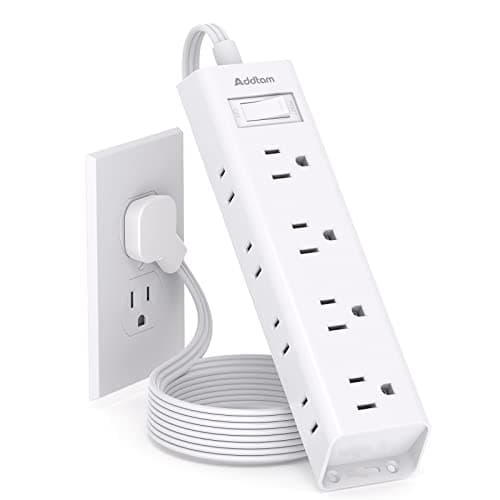
Addtam Flat-Plug Power Strip (12 outlets)
The flat plug is the point: a normal brick stops a desk sitting flush to the wall and costs you two inches of depth you do not have.
$9.98Amazon#ad · Our top pick in The Best Power Strips for a Desk
Bias lighting
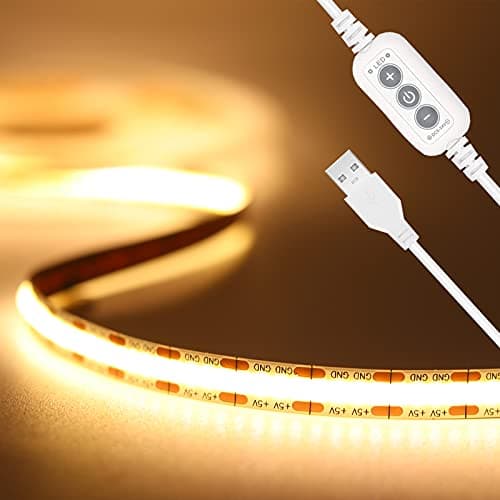
PAUTIX COB LED Strip (6.56ft, 3000K)
Sticks under a shelf or behind the monitor and lights the wall instead of the desk, so it takes no surface at all.
$9.19Amazon#ad · Our top pick in The Best LED Strip Lights for a Desk
Headphone mount
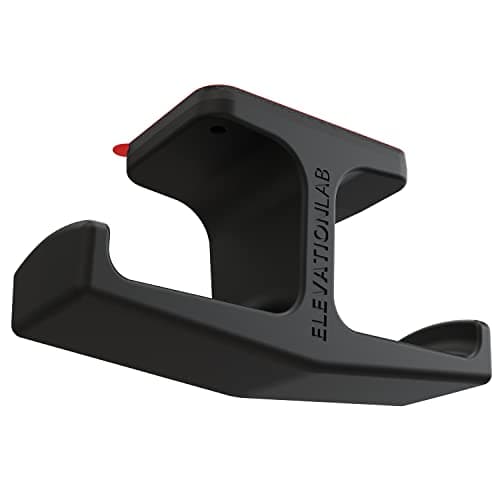
Elevation Lab The Anchor Under-Desk Headphone Mount
Adhesive, mounts under the desk, and clears the one bulky object that otherwise lives permanently on a small surface.
$11.99Amazon#ad · Our top pick in The Best Headphone Stands for Small Desks
Under-desk drawer
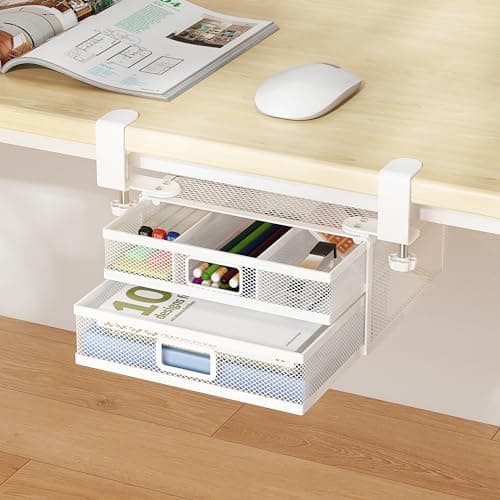
ROLIZOE 2-Drawer Clamp-On Under-Desk Organizer
Clamps on, adds storage in dead space beneath the top, and comes off without a mark when the lease ends.
$34.99Amazon#ad · Our top pick in The Best Under-Desk Storage for a Small Desk
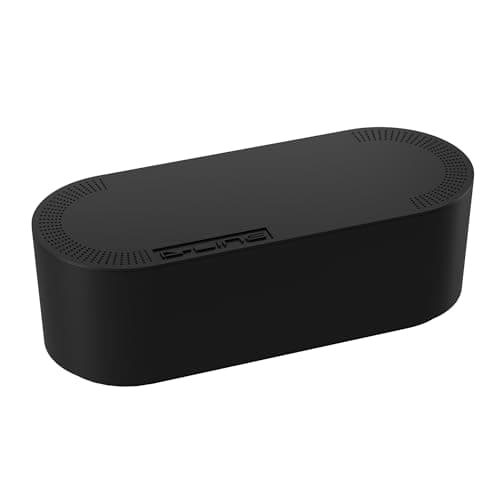
Cable box
D-Line Cable Management Box (Large)
Puts the strip and the wall-warts in one closed box so the floor under a desk in a studio does not read as a nest.
$27.99Amazon#ad · Our top pick in The Best Desk Cable Management for a Small Setup
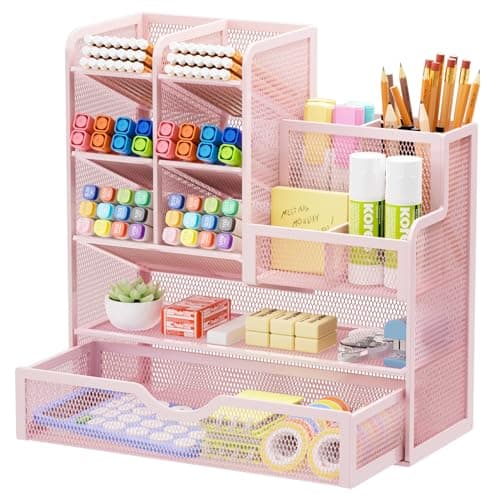
Desk organizer
Marbrasse Mesh Desk Organizer with Drawer
Goes vertical with the pens and notebooks that otherwise spread flat across the only surface you have.
$22.99Amazon#ad · Our top pick in The Best Desk Organizers for Small Desks
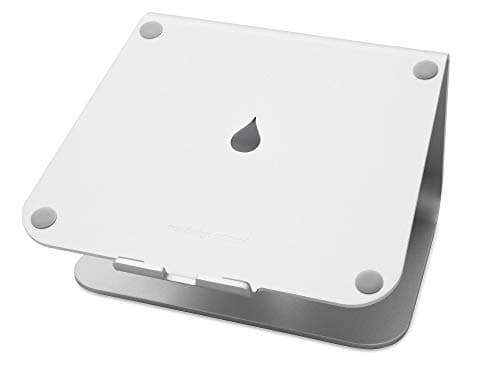
Laptop stand
Rain Design mStand Laptop Stand
Lifts the screen to eye level and opens the space underneath for a keyboard, which is how a 40-inch desk fits a full setup.
$39.90Amazon#ad · Our top pick in The Best Laptop Stands for a Small Desk
Keep reading
Related
- Best small desksCompact picks sorted by footprint, so you can shop straight to your band.
- Best desks for small apartmentsThe movable and foldable options for a room that does more than one job.
- Small-apartment desk setupOnce it fits, the full build from empty corner to working desk.
- Best narrow desksThe 15–16 inch depth band, with the clearance math.
- Best small desks for dual monitorsThe width band two screens need, in the same format.
- Best desks for small bedroomsApplying the bands to a room with a bed in it.
- Dorm desk setup guideWhen the desk is 30 inches and you cannot change it.
- Desk height guideThe height numbers that pair with these widths.
- Best small writing desksThe shallowest desk format, ranked.
- Desk dimensions by room sizeThe same math, started from the room instead of the desk.
Receipts
Sources
- OSHA — Computer Workstations eTool (viewing distance, working height and clearance)
- CDC / NIOSH — office ergonomics and workstation setup
We do not run a testing lab, and we do not pretend to. Specifications come from the manufacturer or retailer listing; the footprint and clearance math is ours and reproducible. Where we could not verify a number, we say so on the page rather than quietly leaving it out. Read our full method.