HUB 05 · Small-Space Setups
How to Fit Two Monitors on a Small Desk
Two screens need 44 inches side by side, 24 inches stacked, and about 34 angled. Here is the arithmetic and the three layouts it produces.
We earn a commission when you buy through our Amazon links, at no extra cost to you. It never affects our rankings, and we say so when the cheaper product is the better buy. How this works.
The reason two monitors seem impossible on a small desk is that almost everyone assumes one layout: side by side, both on their factory stands, in a straight line. That layout genuinely needs about 44 inches of width and 24 inches of depth. Change the layout and the same two screens fit on a 40-inch desk, or even a 34-inch one.
This guide gives you the numbers first, then three layouts that use them. Everything here is arithmetic you can reproduce with a tape measure: screen widths, base depths and the clearance your keyboard needs. Nothing about it requires buying the biggest desk you can fit.
Step 1 — measure the screens, not the diagonals
Monitors are sold by diagonal, which tells you almost nothing about how much desk they claim. What you need is physical width and base depth. As rough guides, a 22-inch panel is about 19.5 inches wide, a 24-inch about 21 inches, and a 27-inch about 24 inches; a typical stand base occupies 8–10 inches of depth. Measure yours — bezels vary — and write down four numbers: width A, width B, deepest base, and your desk’s usable width and depth.
Step 2 — the width table
| Layout | Desk width needed (two 24″ screens) | Depth needed | Hardware |
|---|---|---|---|
| Side by side, on stands | ~44 in | 23–24 in | None |
| Side by side, on arms | ~42 in | 19–20 in | Dual arm or two singles |
| Angled (one square on, one turned in) | ~34–38 in | 19–20 in | Two single arms |
| Stacked (one above the other) | ~24 in | 19–20 in | Vertical/stacking dual arm |
| One ultrawide instead | ~32 in (34″ ultrawide) | 16–20 in on an arm | Heavy-duty single arm |
Read that table as a menu, not a ranking. Every row is a real setup; they just make different trades between width, neck comfort and cost.
Layout 1 — side by side, but on arms
The smallest change to the obvious layout. Put both screens on a dual armor two single arms, and the bases disappear: you keep the familiar side-by-side arrangement but your depth requirement falls from 24 inches to about 19, and the whole desk in front of the screens becomes usable. You still need the width, so this suits a 42–48 inch desk — our dual-monitor desk picks are all in that band.
Layout 2 — angle the second screen in
The layout that rescues a 40-inch desk. Keep your main screen square on, and turn the secondary screen inward at roughly 30–45 degrees so its outer edge comes forward and its inner edge tucks behind the main panel. Because the two screens now overlap in plan view, the width you need drops to roughly 34–38 inches for a pair of 24-inch panels. Two independent single armsare much better than one dual arm here, because each screen needs its own angle — which is exactly the argument in our dual arm vs two singles comparison.
Layout 3 — stack them vertically
The layout for a genuinely narrow desk. One screen at eye level, the second directly above it, on a stacking or vertical dual arm. Width needed: one screen’s worth, about 24 inches. This works beautifully when the second screen is for reference material you glance at — documentation, chat, a monitoring dashboard — and badly when both screens carry equal work, because looking up all day is worse than looking sideways. Two practical cautions: the upper screen wants to be tilted downward, and you need roughly 20 inches of vertical clearance above the desk, which rules out desks under shelves or a low ladder-desk shelf.
Layout 4 — buy one screen instead of two
Worth taking seriously before you buy hardware. A single 34-inch ultrawide is about 32 inches wide, needs one cable and one arm, and gives you a continuous working area with no bezel down the middle. Against two 24-inch panels at ~44 inches side by side, it is the smaller footprint and usually the simpler desk. The cost is weight: a 34-inch ultrawide typically needs an arm rated to 22 lb or more, which is why we keep a separate ultrawide arm roundup with the heavy-duty picks.
What to check before you order the arm
Two dual-screen mistakes are expensive and both are avoidable. The desk edge: two screens on one clamp is a lot of leverage, so confirm your desk’s thickness and material against the arm’s specification — our arm-compatibility guide walks through it. The weight:add both monitors’ weights (without stands) and compare against the arm’s per-screen and total ratings, which are not the same number. Cheap dual arms are commonly rated 17.6 lb per screen, and a pair of 27-inch panels can exceed that.
Mismatched screens: how to make two different monitors work
Most small-desk dual setups are not two identical monitors — they are the screen you bought and the screen you inherited. Three practical adjustments make that work. First, align the tops, not the bottoms: if one panel is taller, matching the top edges keeps your eye line consistent as you look across, and an arm is the only mount that lets you do this precisely. Second, put the better screen square onand angle the older one inward as the secondary — you will spend most of the day on one of them, so the good one gets the prime position. Third, if the two panels have different pixel densities, expect the operating system’s scaling to make windows change size as you drag them between screens; setting both to the same scaling percentage where possible is less jarring than matching resolutions exactly.
Mismatched screens are also the strongest argument for two independent single arms over one dual arm. A dual arm shares a pole and often a crossbar, which assumes the two screens want the same height and the same plane. Two singles let a 27-inch main panel and a 22-inch secondary sit at their own heights and angles, and they let you re-clamp one of them later without dismantling the other. On a small desk the cost difference is usually modest, and the layout freedom is what makes the angled arrangement above possible at all.
Cables, because two screens double them
Two monitors means two power supplies and two display cables, and on a small desk they are visible from every angle. Route both display cables along the arm channels, run the power to a single strip, and tie the whole bundle down one rear leg with a sleeve or tray. If you are working on a desk with no grommet, a clamp-on tray under the back edge is the tidiest no-drill answer. It takes twenty minutes and it is the difference between a dual-screen setup that looks deliberate and one that looks like an accident.
Questions
Frequently asked
How wide does a desk need to be for two monitors?
Is stacking two monitors bad for your neck?
Do I need a dual arm or two single arms?
Would one ultrawide be better than two monitors?
Finish the setup
Under $40: the parts that finish a small desk
A desk is the expensive decision. These are the cheap ones that decide whether it actually works in a small room — each is the top pick from one of our own roundups, and each clamps, sticks or stands rather than needing a drill. Prices live as of Sep 25, 2026.

Monitor arm
Amazon Basics Single Monitor Arm (Gas Spring)
Clamps to the back edge and gives you back the whole footprint the monitor stand was standing on — the single biggest surface win on a narrow desk.
$25.49Amazon#ad · Our top pick in The Best Monitor Arms for a Small Desk
Power strip
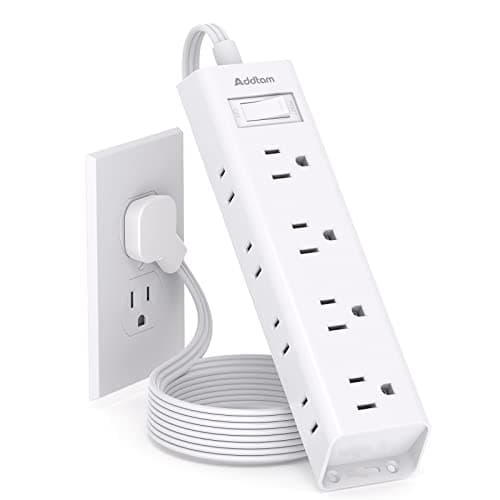
Addtam Flat-Plug Power Strip (12 outlets)
The flat plug is the point: a normal brick stops a desk sitting flush to the wall and costs you two inches of depth you do not have.
$11.99Amazon#ad · Our top pick in The Best Power Strips for a Desk
Bias lighting
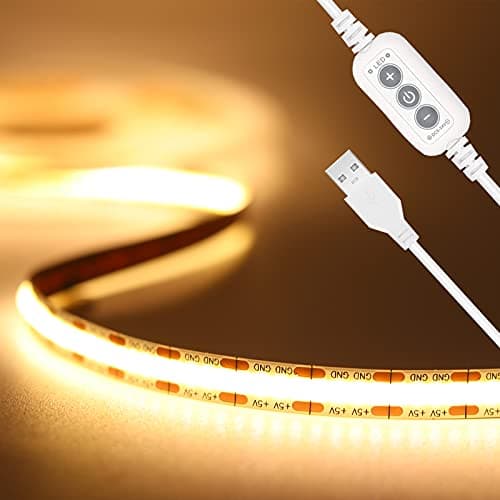
PAUTIX COB LED Strip (6.56ft, 3000K)
Sticks under a shelf or behind the monitor and lights the wall instead of the desk, so it takes no surface at all.
$9.19Amazon#ad · Our top pick in The Best LED Strip Lights for a Desk
Headphone mount
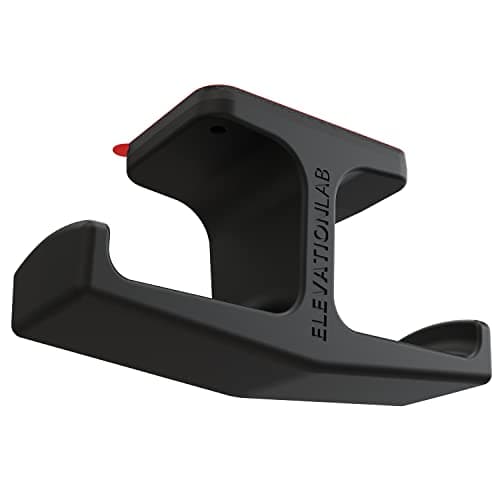
Elevation Lab The Anchor Under-Desk Headphone Mount
Adhesive, mounts under the desk, and clears the one bulky object that otherwise lives permanently on a small surface.
$11.99Amazon#ad · Our top pick in The Best Headphone Stands for Small Desks
Cable box
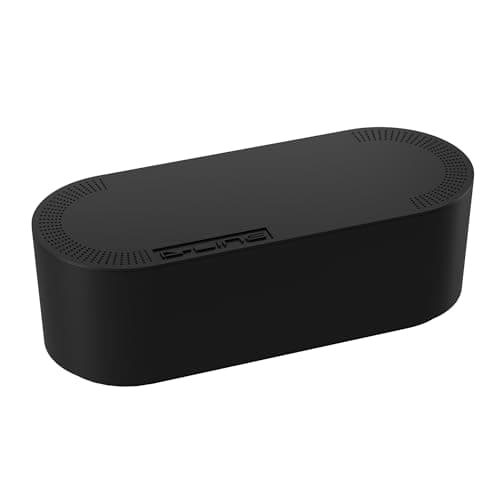
D-Line Cable Management Box (Large)
Puts the strip and the wall-warts in one closed box so the floor under a desk in a studio does not read as a nest.
$27.99Amazon#ad · Our top pick in The Best Desk Cable Management for a Small Setup

Desk organizer
Marbrasse Mesh Desk Organizer with Drawer
Goes vertical with the pens and notebooks that otherwise spread flat across the only surface you have.
$22.99Amazon#ad · Our top pick in The Best Desk Organizers for Small Desks
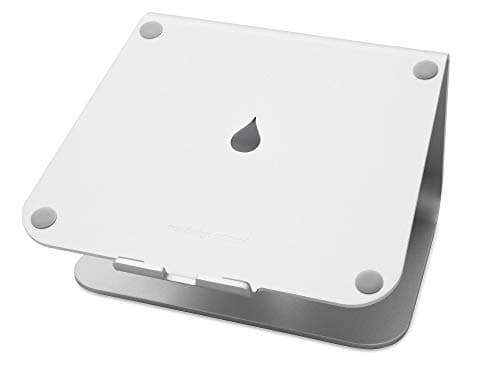
Laptop stand
Rain Design mStand Laptop Stand
Lifts the screen to eye level and opens the space underneath for a keyboard, which is how a 40-inch desk fits a full setup.
$38.99Amazon#ad · Our top pick in The Best Laptop Stands for a Small Desk
Keep reading
Related
- Best small desks for dual monitorsDesks that clear the width bar.
- Best dual monitor armsOne clamp, two screens.
- Arms for ultrawide monitorsThe one-screen alternative.
- Will a monitor arm fit my desk?Check the edge before you buy.
- Best vertical monitor armsStacking, ranked - the narrow-desk answer.
- Best portable monitorsA second screen that costs desk width only while it is out.
- Ultrawide vs dual monitorsThe decision before the layout: one wide screen or two, with the width math.
Receipts
Sources
- OSHA — Computer Workstations eTool (monitor placement, viewing angles and distance)
- CDC / NIOSH — office ergonomics guidance
We do not run a testing lab, and we do not pretend to. Specifications come from the manufacturer or retailer listing; the footprint and clearance math is ours and reproducible. Where we could not verify a number, we say so on the page rather than quietly leaving it out. Read our full method.