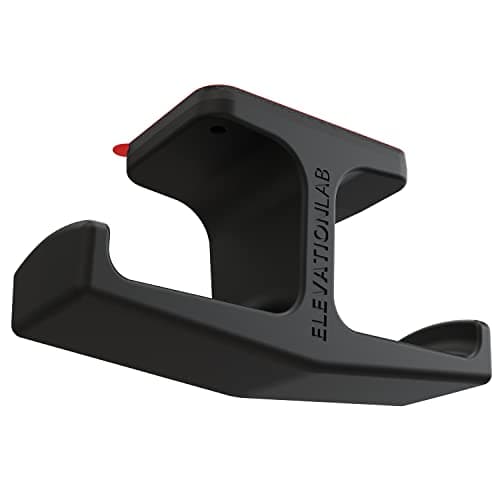
A pair of over-ear headphones lying on a desk occupies roughly the same area as a paperback, in the exact spot where your hand wants to be. They also get knocked, sat on and slid under the keyboard. On a 40-inch desk, giving them a defined home is one of the cheapest improvements you can make — and the best versions do it without taking any surface at all.
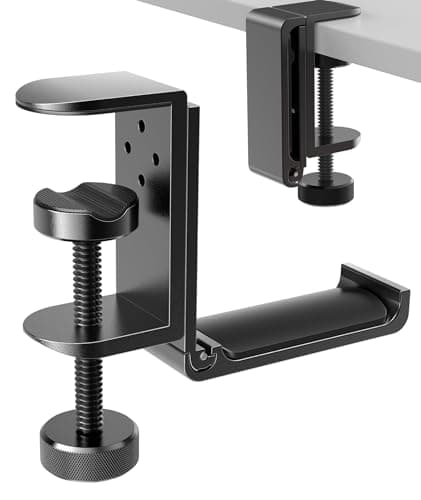
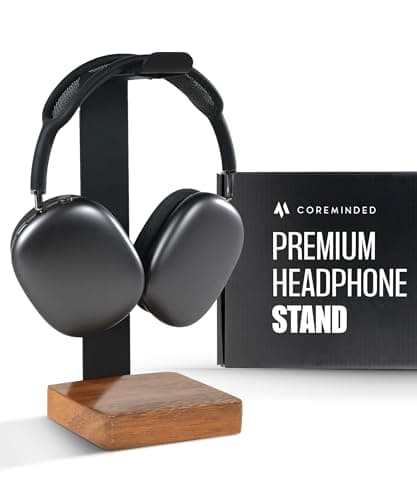
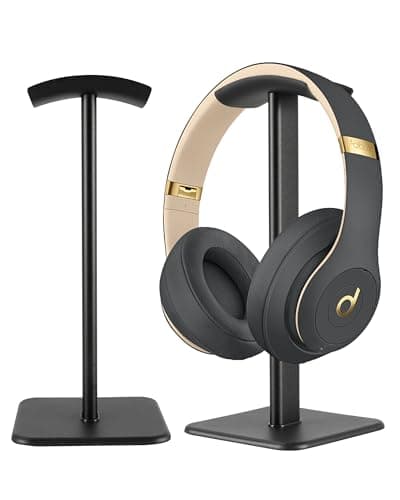
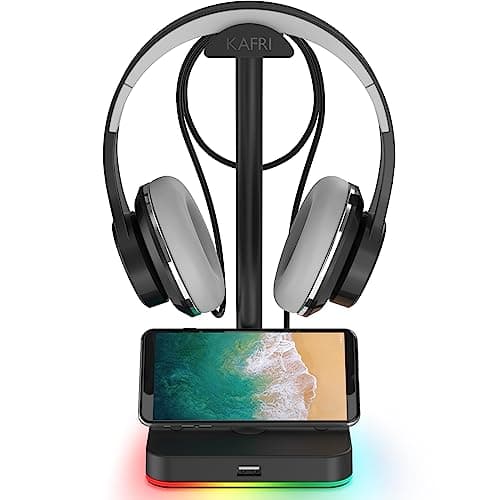
Our pick is the Elevation Lab Anchor: a silicone-and-steel hook that sticks to the underside of the desk with 3M adhesive and holds headphones out of sight but within reach. If you would rather not use adhesive, the APPHOME clampdoes the same job with a screw clamp that fits desks from 5 mm to 50 mm and folds flat when not in use. The COREMINDED walnut stand is the one that looks good on display, the DGPLUS is the cheapest aluminum stand, and the KAFRI adds a USB port to the base.
Specs come from the manufacturer listings, and the methodology explains how we score. The buying guide below covers the one thing that actually breaks headphones on a stand, which is not what most people expect.
Under the desk or on it?
This is the whole decision on a small desk, and it is worth being blunt about the numbers. A freestanding stand claims a base of roughly 4 × 4 inches — about 16 square inches of a desktop that might only have 600 to begin with. An under-desk hook claims none, because it uses space that was empty. If your desk is under 40 inches wide, go underneath.
| Type | Desk surface used | Needs | Reversible? |
|---|
| Adhesive under-desk hook | None | A clean, finished underside | Yes, with care |
| Clamp under-desk hanger | None | A clear edge, 5–50 mm thick | Completely |
| Freestanding stand | ~16 sq in | Nothing | Completely |
The freestanding option still wins in two cases: a glass desk, where neither adhesive nor a clamp is a good idea, and a desk you want to keep pristine for resale.
The thing that actually damages headphones
Not the hanging — the hanger. A narrow metal rod or a sharp plastic edge concentrates the headphones’ weight into a thin line on the headband padding, and over months that creases and eventually splits the material. It is why the COREMINDED’s PU leather sleeve and the Anchor’s thick silicone are worth more than they look.
Two rules: prefer a wide or padded contact surface over a bare narrow rod, and do not hang headphones by one earcup, which stresses the hinge. If you already own a stand with a thin rod, a strip of felt or a bit of foam tubing over it costs nothing and solves the problem entirely.
Adhesive: how to make it hold
Adhesive under-desk mounts fail for one reason, and it is always the surface. 3M tape needs a clean, smooth, finishedface — wipe it with isopropyl alcohol, let it dry, press firmly for thirty seconds, then leave it a full hour before you hang anything on it. On unfinished wood, raw particleboard edges or anything fibrous it will not hold at all, and the Elevation Lab listing says so directly. That is the case for a clamp instead.
Where the cable goes
Hanging the headphones is half the job; the cable is the other half, and on a small desk a loose headphone lead is one of the most visible sources of clutter. Coil it and secure it with a reusable tie, or use a stand with a cable hook built in like the KAFRI. If you are tidying the desk properly, do this at the same time as everything else — the method is in desk cable management.
Part of a bigger pattern
A headphone hanger is one instance of the general small-desk move: take an object off the surface and put it in space that was already empty. The same logic drives an under-desk drawer, an under-desk CPU holder, a monitor arm and a keyboard tray. Do all of them and a compact desk stops feeling compact — the order to work through is in how to organize a small desk.