Almost every desk sold is built at 29 to 30 inches, a height set for a user around six feet tall. If you are shorter, the standard sequence is: raise the chair so your forearms are level, discover your feet no longer reach the floor, and then spend the day with the seat edge pressing into the backs of your thighs. A footrest closes that gap. It is the cheapest real ergonomic fix available and it is the correct one, because the alternative — lowering the chair again — just moves the problem back to your shoulders.
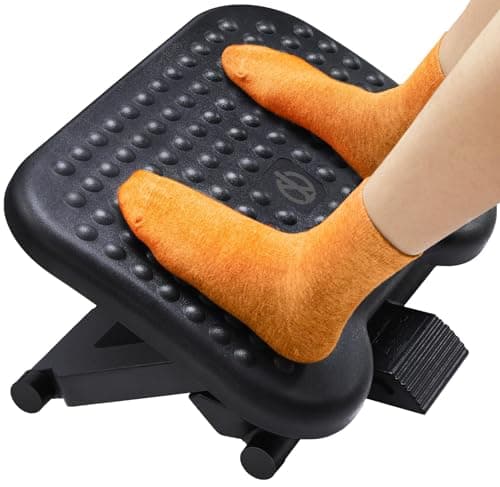
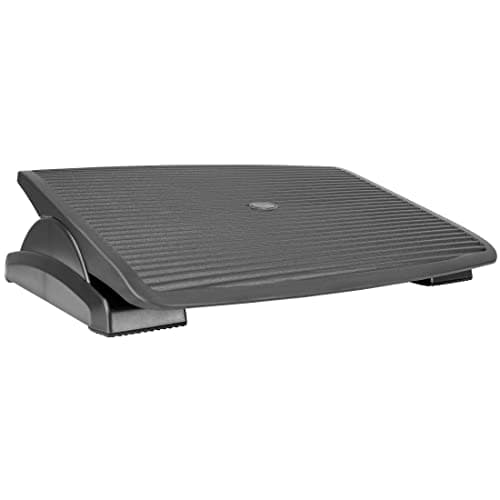
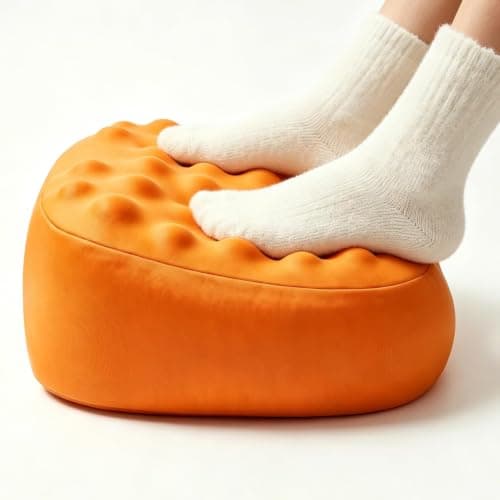
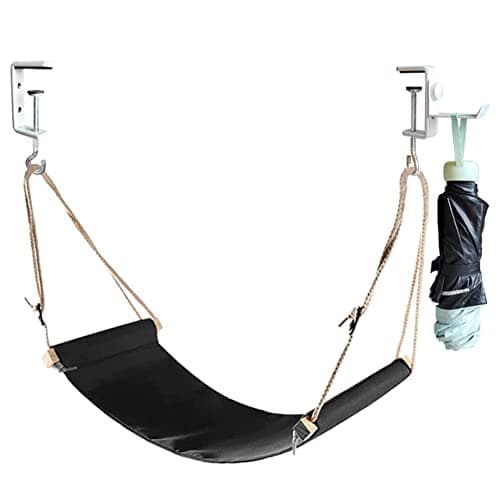
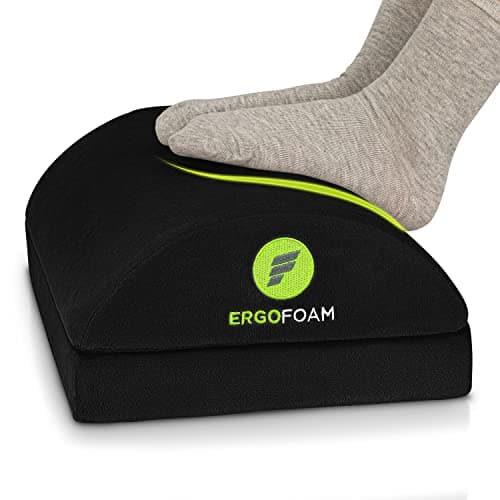
Our pick is the ErgoFoam: a large 17.3 × 11.5in high-density foam wedge that holds its shape rather than flattening, and flips over for a different height and angle. The ErGearis the pick if you want a defined height — three settings at 4.3, 5.5 and 6.7 inches plus ±30° of rocking tilt. The Mount-It! offers three tilt positions on a large platform, the CozyDou is the compact memory-foam option, and the foot hammockis the one that claims no floor at all — which on a small desk matters.
Specs come from the manufacturer listings; the methodologyexplains the scoring. Set your chair correctly before you shop — the numbers are in our desk height guide.
Set the chair first, then measure the gap
A footrest only makes sense once the chair is right, and the order matters. Raise the chair until your forearms are roughly parallel to the floor with your hands on the keyboard. Now look at your feet. If they are flat on the floor, you do not need a footrest. If they dangle, or only your toes touch, measure the gapfrom the floor to the soles of your feet — that number is what you are shopping for.
Most people land between 3 and 6 inches, which is why the ErGear’s 4.3/5.5/6.7in settings cover the field. Do the chair step properly first; a footrest bought to fix a chair that was set too low simply raises your knees and makes things worse. The full seated numbers by height are in our desk height guide.
Foam, platform or hammock
| Type | Height control | Movement | Floor used |
|---|
| Foam wedge | One or two heights | Compresses slightly | Moderate |
| Rigid platform | Exact, stepped | Tilts or rocks | Most |
| Hammock sling | Continuously adjustable | Swings | None |
On a small-space desk, the floor column is the one people forget. A 26-inch-wide rocking platform is a genuine object in a room where the desk already competes with a bed, and it is in the way of your chair castors every time you push back. If floor is scarce, the hammock solves the ergonomic problem without occupying any of it — at the cost of a softer, less controllable support.
Movement matters more than the height number
Standard ergonomics guidance is consistent on this: no single posture is good for eight hours. A footrest that tilts or rocks lets your ankles move through the day, which keeps circulation going and stops your legs stiffening. That is why the ErGear’s ±30° rocking and the Mount-It!’s three tilt positions are worth more than they look on a spec sheet. If you buy a fixed cushion, get up and move more deliberately instead.
Check the footwell before you buy
Small desks lose legroom to things a large desk does not have: a low stretcher bar between the legs, a drawer box, an X-frame, or a PC tower standing in the footwell. You want roughly 24 inches of clear width and 15 inches of clear depth at knee level, and a footrest eats into the vertical part of that. Measure before you order — and if the tower is the problem, the fix is an under-desk CPU holder rather than a smaller footrest.
The alternative fix
A footrest raises you to meet a desk that is too tall. The other approach is to lower the work instead: an under-desk keyboard traydrops the typing surface 2–4 inches, which lets you lower the chair and put your feet back on the floor unaided. Doing both is common and perfectly sensible — the tray fixes your arms, the footrest fixes your legs, and neither requires replacing the desk.