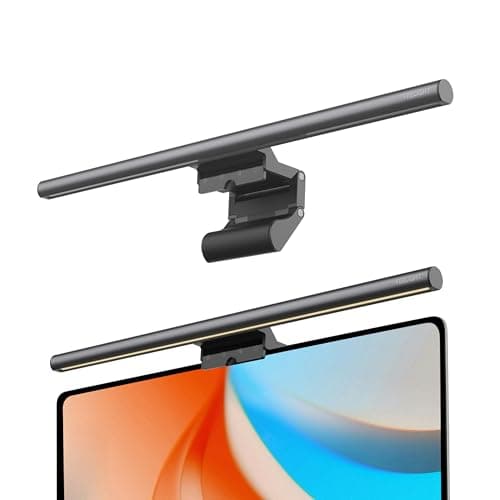
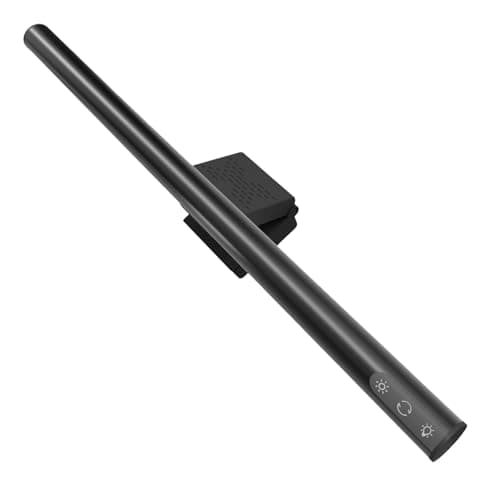
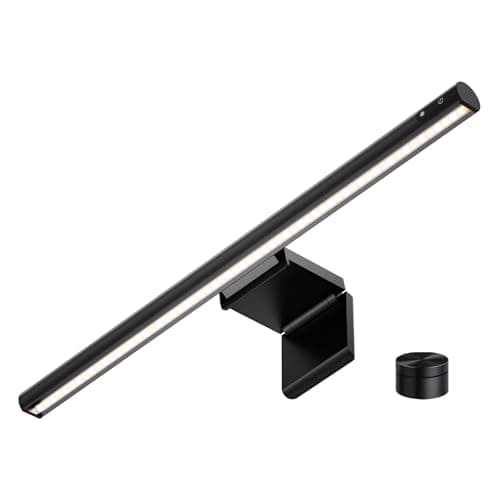
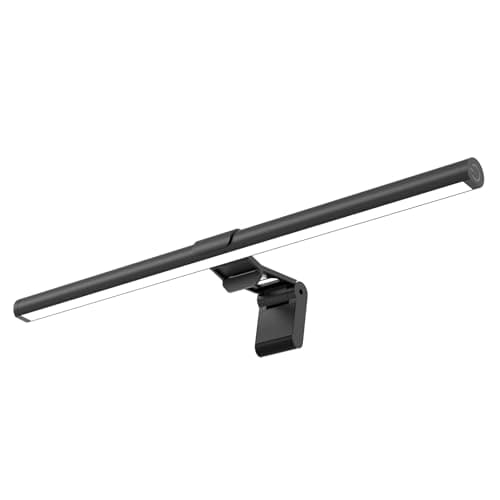
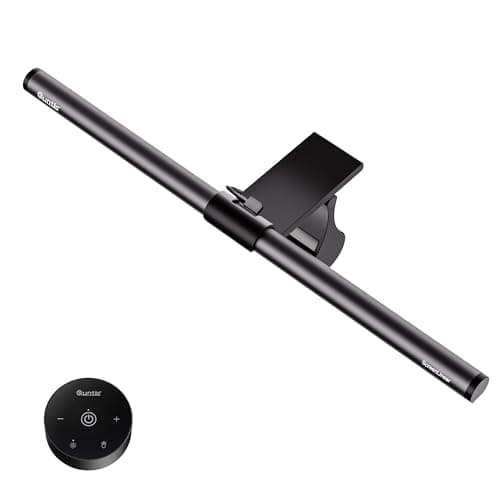
Our pick is the Quntis Focus with remote, because it is the only bar in this price class that publishes the full set: a 45-degree asymmetric optic, 76 LEDs, an Ra95 color rendering index, and an explicit claim of RG0 — the lowest photobiological risk group — against the IEEE and IEC standards. Everything else down here publishes some of that list and leaves you to assume the rest.
The YEELIGHT is the one to buy if light quality is the only thing you care about: Ra95, RG0 and a stated 250 lumens from 78 LEDs in a full-metal body, with the narrowest clamp range here as the price. The iQuincy fits the widest range of monitors and tilts further than anything else here. The LYMAX takes the thickest screens of the five. The SAMPHON is the cheapest bar we would still call a light bar.
What separates a cheap light bar from a strip in a tube
A monitor light bar is not a bright object you hang above a screen. It is a specific optical trick: the LEDs point down and forward into a reflector cut so that no light goes backwards onto the panel. That is the asymmetric optic, usually quoted as a 45-degree throw, and it is the entire reason the category exists. Without it you have a strip light over your monitor, which washes out the screen it is sitting on and defeats the purpose.
At the premium end this is a given. Down here it is not, and it is the first thing we screened for: every pick below publishes an angle figure in its own listing. Bars that described themselves only as “no glare” without stating the optic were left out, because the claim is unverifiable and the failure mode — a reflection across the middle of your screen all day — is exactly what you were trying to buy your way out of.
The four specifications we ranked on
One: the optic, in degrees. Four of the five publish 45 degrees. The iQuincy publishes a maximum adjustable angle of 55 degrees, which is a different and slightly better claim, because it means the throw can be tuned to the depth of your desk rather than assumed.
Two: whether light quality is published at all.Color rendering index is the figure that decides whether your desk looks like a desk or like a photocopy of one. Two of these five publish Ra95. The other three publish nothing, and we have written “Not published” in their spec rows rather than estimating, because there is no honest way to guess a CRI from a product photograph. The same goes for photobiological risk: Quntis and YEELIGHT both claim RG0 and name the standard; the rest are silent.
Three: the clamp range.This is the spec that decides whether the thing fits at all, and it is the one the budget end is best at publishing — probably because returns are expensive. The spread across these five is real: 0.2–1.8 inches on the LYMAX, 0.3–1.4 on the iQuincy, 0.3–1.1 on the YEELIGHT. Measure the top edge of your monitor before ordering, not the bezel.
Four: controls and power.A touch strip on the bar means reaching over the screen; a remote means not. Memory — the bar coming back on at the setting you left it — is the feature you notice daily and nobody advertises properly. All five here have it. On power, USB-C is worth a small premium over USB-A simply because every other cable on the desk is already USB-C; two of these five have it.
A note on brightness numbers down here
Budget listings quote brightness in two incompatible ways and it is worth knowing which you are reading. Lumensis total light output — the YEELIGHT’s 250 lm is this. Luxis illuminance at a point, so it depends entirely on how far away you measured; the SAMPHON’s 900 lux central figure is this, and its listing does not state the distance. The two are not comparable, and a big lux number measured close to the bar can look far more impressive than a modest lumen figure that is actually brighter across your whole desk. Our guide to desk lamp lumens explains the arithmetic; the short version is that an unstated-distance lux claim tells you nothing you can act on.
Published specs, side by side
| Bar | Optic | CRI | Fit range | Power |
|---|
| Quntis Focus | 45°, 76 LEDs | Ra95 | Flat / thick / 1000R curved (no number) | USB-C |
| YEELIGHT | Asymmetric, 78 LEDs | Ra95 | 0.3–1.1 in | USB-A |
| iQuincy | Adjustable to 55° | Not published | 0.3–1.4 in | USB |
| LYMAX | 45° | Not published | 0.2–1.8 in | USB-C |
| SAMPHON | 45° (patented) | Not published | Counterweight clip (no number) | USB |
What you give up versus the premium tier
We rank the full light bar field elsewhere, and the honest summary of the gap is this. You give up automatic dimming: the ambient light sensor that sets brightness to match the room and then leaves you alone. You give up published, independently plausible photometry— the premium makers publish illuminance at a stated distance across the width of the throw, which is a figure you can actually check. And you usually give up the build and the warranty, which on a USB-powered object with no moving parts matters less than it sounds.
What you do not give up is the core function. The asymmetric optic is cheap to manufacture once the reflector tooling exists, and the four bars above with a published 45-degree figure will keep light off your panel as well as anything does. If the difference between a bar at this price and a bar at four times the price is the thing standing between you and buying one, buy the cheap one. A desk with a light bar on it beats a desk with a glare problem and a plan.
Where a light bar sits in a small-desk lighting setup
The reason this product class matters on a small desk is not light quality at all — it is footprint. A light bar occupies zero desk area, because it stands on the monitor. On a 30-inch-wide desk, a conventional lamp base claims six to eight inches of a surface that is already short, which is the whole argument our light bar versus desk lamp comparison makes. The counter-argument is that a bar lights the desk and not the room, so if your workspace is a corner of a dark bedroom it needs help.
The other budget option in this space is an LED strip, which costs less again and does a different job: strips are good under a shelf and behind a monitor, and bad as a task light because they have no optic at all. Our strip versus light bar comparison covers which one your desk actually needs, and in most cases the answer is a bar for the keyboard and a strip for the wall behind.
Color temperature: what to set it to
Every bar here covers roughly 2900–3000K at the warm end to 6000–6500K at the cool end, and the useful advice is the same as for any task light. Work in the 4000–5000K middle during the day, drop to 3000K after dark so the desk is not fighting the rest of the room, and use the top of the range only when you need to read small print or match colors. Our color temperature guidehas the reasoning. Two bars here — the iQuincy and the LYMAX — stop at 6000K rather than 6500K, which costs you nothing in practice because almost nobody works at the top of the scale for long.
Fitting one to a monitor on an arm
Light bars and monitor arms interact in a way neither listing mentions. A bar adds about one to two pounds at the very top of the panel, which raises the center of mass and makes a marginally-tensioned gas spring drift downward. If your screen starts sagging a week after you add a bar, the arm is not broken — it needs the tension screw turning up, which is covered in our monitor arm fit guide. If you are buying both at once, our budget monitor arm picks is the companion page to this one, and between them they are the cheapest way to clear a small desk properly.
Where this page stops
If your budget stretches further, the main light bar roundup is where the auto- dimming models live. If the real problem is a dark room rather than a dark desk, a desk lamp or a clamp lampthat frees the surface is the better buy. And if the reason you are shopping is that your eyes hurt by four o’clock, read desk lamps for eye strainfirst — the fix is usually contrast between screen and surroundings, and a cheap bar genuinely addresses it.