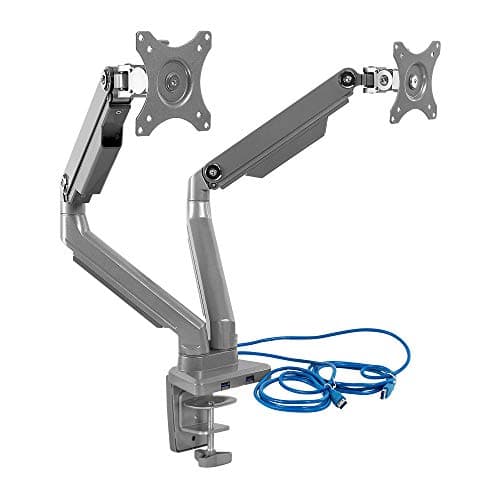
On a small desk, the USB ports you actually use are the ones you can reach. A laptop tucked on a stand has two of them facing the wrong way, a tower lives on the floor, and a desktop hub takes up the surface you bought the monitor arm to free. An arm with an integrated hub solves the geometry problem: the ports sit at the top of the post, at hand height, on the part of the desk that was empty air anyway.
There is one thing to understand before buying. The hub still needs an upstream cable.A USB hub in a monitor arm is a passive extension of your computer's USB, so a lead has to run from the arm down to the machine. What you gain is not fewer cables in total — it is the ports being somewhere useful, and one tidy run down the arm's cable channel instead of several loose leads across the desk.
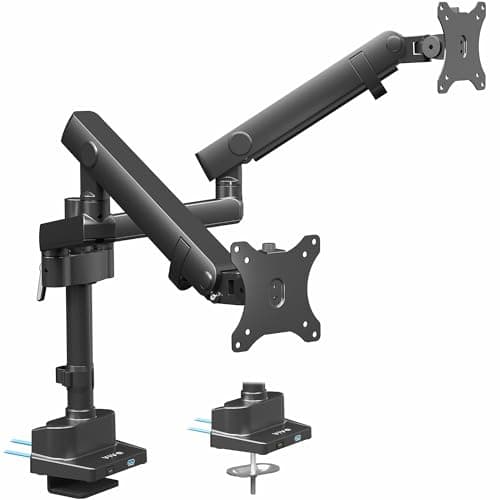
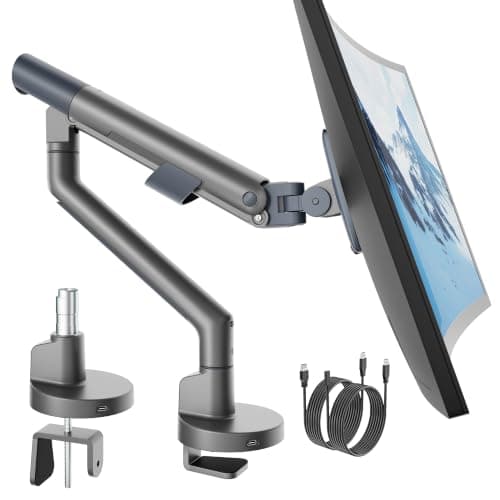
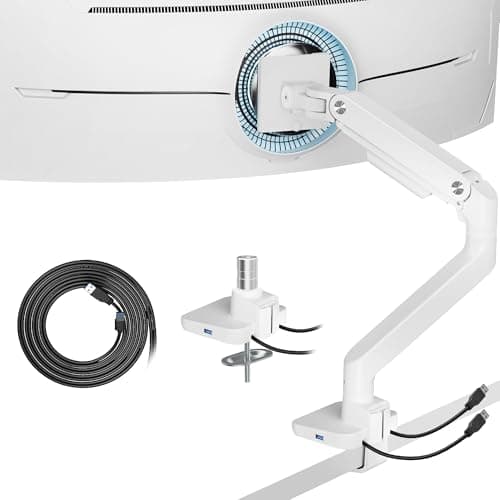
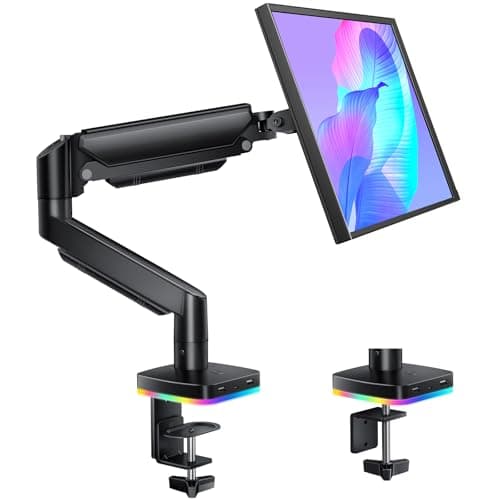
Our pick is the Mount-It! dual mount with USB 3.0 for the port specification and the clamp-or-grommet flexibility. The VIVO STAND-V102BDU is the ultrawide-capable dual, monTEK is the single-screen mainstream pick, the ARES WING handles 49-inch screens, and the RGB gas-spring arm is the cheapest way to get the format at all. Live prices below; the methodology explains the scoring.
What an arm-mounted hub is, and is not
It is a passive USB hub relocated from the desktop to the arm post. That means one upstream cable from the hub to your computer, and then the downstream ports where your hand is. It is not a docking station: it does not carry video, it does not charge a laptop, and it will not turn one cable into a monitor, keyboard, mouse and network connection. If that is what you want, the format is a USB-C docking station and the arm is a separate purchase.
The practical benefit on a small desk is nonetheless real. A memory stick, a headset dongle, a phone lead and a card reader all live at screen height rather than under the desk or on the surface, and the arm's cable channel keeps the run tidy on its way down. Our cable management guide covers the rest of the run.
Check the USB generation, not just the port count
| Spec | Practical speed | Good for |
|---|
| USB 2.0 | Up to 480 Mbps | Mouse, keyboard, dongles, charging |
| USB 3.0 / 3.2 Gen 1 | Up to 5 Gbps | External drives, card readers, webcams |
Only one arm here publishes the generation, and that is the reason it ranks first. Where a listing says only “USB ports”, assume 2.0 — adequate for peripherals, slow for a backup drive. We do not fill that gap with an assumption in the spec tables above, and neither should you.
Clamp load: the small-desk constraint
Adding a hub does not change the arm's mechanics, but the arms that carry hubs tend to be the larger ones, and a larger arm loads a desk edge harder. On an apartment desk that means checking three things: the top's thickness against the clamp's published range, the material (a hollow-core or thin particleboard top is the usual failure), and whether you can position the clamp near a leg rather than mid-span. All three are worked through in will a monitor arm fit my desk, and the clamp-versus-grommet decision is covered in clamp vs grommet.
When you should skip the hub
Three cases. If your monitor already has a USB hub built in — many do, and the ports are on the panel edge where your hand can reach them — an arm hub adds nothing. If you work from a laptop that you dock and undock daily, a proper docking station is the right tool and an arm hub is a partial answer. And if the arm you actually want does not come with a hub, buy the arm on its merits and clamp a small hub to the desk edge separately; the arm is a ten-year purchase and the hub is a twenty-dollar one. Our main arm roundup ranks the field without the hub requirement.