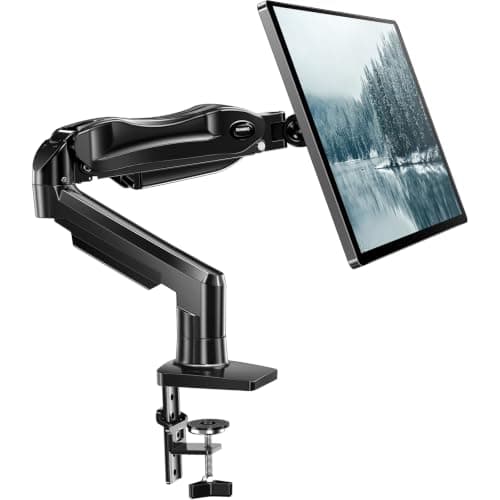
Thirty-two inches is the size at which monitor arms start to fail quietly. Most desk arms are rated 4.4–19.8 lb, and a 32-inch panel typically lands between 12 and 19 lb without its stand — inside the band, but near the top of it, where a marginal arm sags after a fortnight. The other half of the problem is leverage: a 32-inch screen is wide, so any droop or wobble is amplified across the panel and shows up as visible movement every time you type.
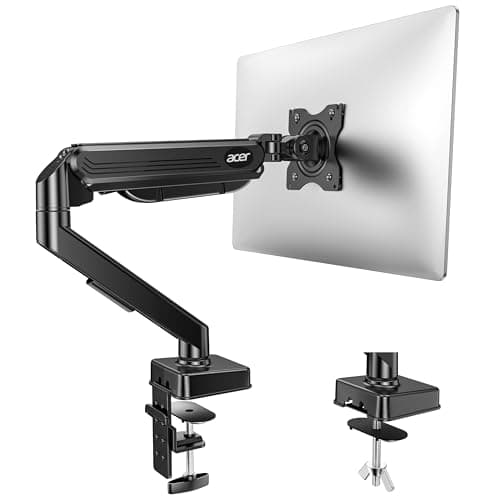
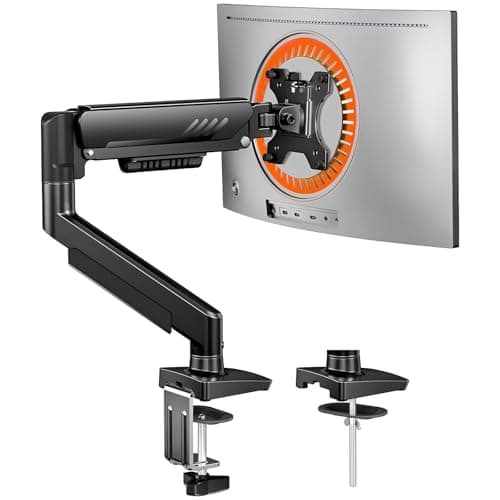
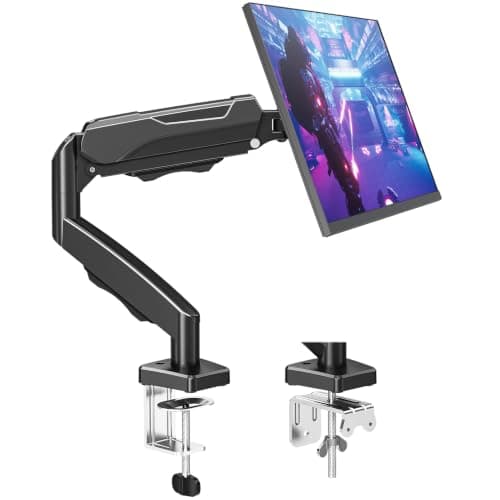
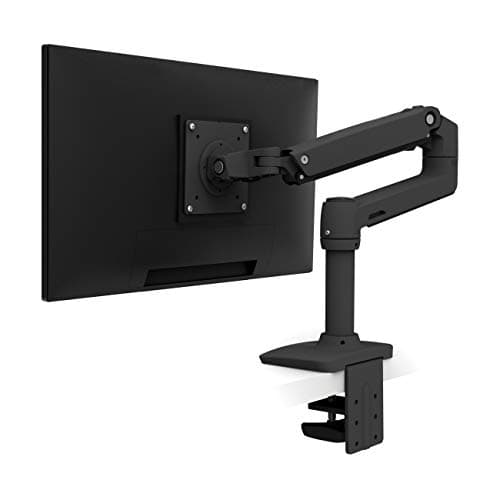
Our pick for most people is the HUANUO FlowLift: the full 4.4–19.8 lb band, both clamp and grommet bases in the box, and a one-piece design that goes together in about three minutes. The Aceris the pick if your desk is unusually thick or thin — it publishes a 0.59–3.15in clamp range, which is wider than most. The ErGear is the value option with 17.5in of height travel; the MOUNTUP is the budget arm, with an honest caveat about its lower rating; and the Ergotron LX is the buy-once option.
Before any of it: find your monitor’s weight without the stand, and its VESA pattern. Those two numbers decide this purchase, and our weight-capacity guide explains how to get them. Every rating below is from the manufacturer listing; we do not run a lab, and the methodology says so.
Two numbers decide this purchase
Panel weight without the stand.Not the shipping weight, which includes the box, foam and stand and overstates the panel by 8–12 lb. Find “weight without stand” on the manufacturer spec sheet, or subtract about 3 lb from the with-stand figure. A 32-inch panel usually lands between 12 and 19 lb, which is why the ceiling matters here and does not on a 24-inch screen.
VESA pattern.100×100 mm covers most 32-inch monitors, but 200×100 and 200×200 appear on some, and a curved or recessed back may need the adapter plate that came in the monitor box. An arm rated for your weight but drilled for the wrong pattern still will not mount. The full method is in how much weight a monitor arm can hold.
Why a 32in screen punishes a weak arm
Two effects compound. The panel is heavier, so the spring works nearer its limit; and the panel is wider, so a small amount of play at the joint becomes visible movement at the edges of the screen. That is why a 32-inch monitor on a marginal arm bounces when you type while a 24-inch one on the same arm feels solid. The practical response: buy weight headroom rather than exactly enough, keep the arm partly retracted rather than fully extended, and prefer the grommet mount over the clamp if your desk has a hole for it.
The small-desk problem: reach is not free
Arms here reach 18–19.6 inches, and that number is measured with the arm fully out — which is also its least stable configuration and the point of maximum leverage on your desk. On a compact desk you rarely want full extension anyway; a 32-inch screen wants to sit further back, not further forward, because the correct viewing distance for a panel that size is around arm’s length or slightly more. Treat the reach figure as flexibility for repositioning, not as the working position.
Check the desk before the arm
A 32-inch monitor on a 20-inch arm applies real leverage to whatever the clamp is gripping. Three failure points on a small desk: a top under about 0.6 inches thick, which most clamps cannot grip properly; a hollow-core or thin particleboard top, which crushes under a clamp long before the arm reaches its rating; and a rear cross-rail where the clamp needs to go. Work through will a monitor arm fit my desk before you order, and if the desk cannot take it, a wall-mounted arm removes the desk from the equation entirely.
Where 32 inches stops and ultrawide begins
If you are looking at 34-inch and larger curved panels, or anything over 19.8 lb, you have left this category. Those need arms rated 33–44 lb with a wider VESA head and a stiffer post — see best monitor arms for ultrawide. Buying a standard arm and hoping is the most expensive mistake in this category, because it usually takes a month to show up.