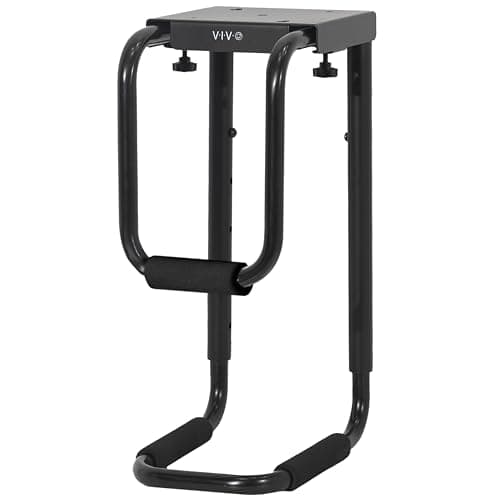
A desktop tower on the floor causes three problems at once in a small room. It occupies the footwell, so your legs are competing with it. It sits in the dust layer, which is where the intake fans are. And it is the single object most likely to be in the way when the room has to change use. Mounting it under the desk solves all three by using space that was doing nothing.
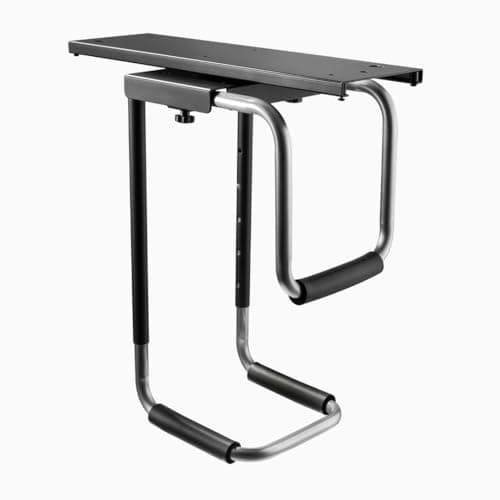
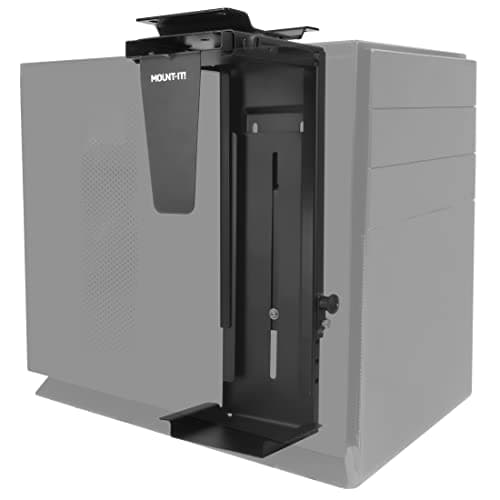
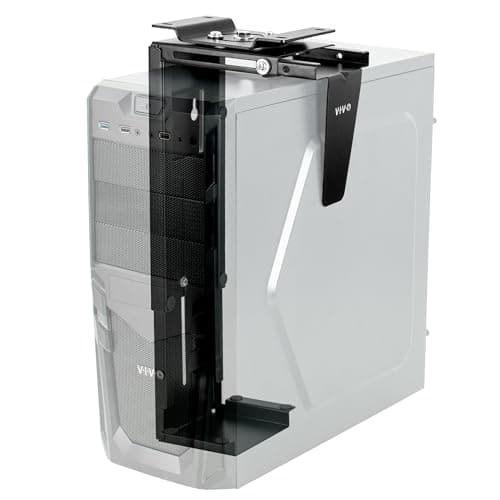
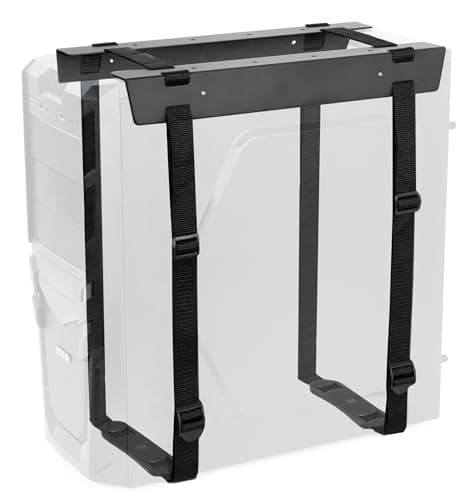
Our pick is the VIVO MOUNT-PC04B: a 66 lb steel frame with five height settings from 16 to 24 inches and 5–10 inches of width adjustment, with a secure lock. The Desky sliding mount is the one to buy if you plug and unplug things often, since it slides forward and swivels 360°. The Mount-It! is the mid-price swivel option, the VIVO MOUNT-PC01 is the compact model for a mid-tower, and the VIVO strap mount is the flexible one that fits cases the rigid cages cannot.
The buying guide covers the three measurements to take before ordering, and the desk requirement people miss. Every rating comes from the manufacturer listing; the methodology explains the scoring.
Measure three things before you order
- Your case, width and height.Every mount publishes a range — 3.5 to 7.8 inches wide on the VIVO PC01, 3.5 to 8 on the Mount-It!. Measure the widest point, including any side-panel bulge or feet.
- Your case’s weight.An empty mid-tower is often 15–20 lb; a full ATX build with several drives and a large cooler can pass 30. Two of the mounts here stop at 22 lb. Weigh it rather than guessing.
- Desktop thickness and clearance. The VIVO PC04B needs a top at least 0.75 inches thick and 8.5 inches of clearance between the desk frame and the edge; the PC01 wants a full inch. On a compact desk with a thin top or an X-frame, this is the check that fails.
Cage or straps?
| Factor | Rigid cage | Strap mount |
|---|
| Case shapes | Regular towers only | Almost anything |
| Lateral rigidity | High | Moderate |
| Port access | Swivel or slide | Fixed position |
| Price | Higher | Lowest |
| Reversible | Screws into the desk | Screws into the desk |
Note the last row: every under-desk PC mount fixes to the desktop with screws. There is no clamp-on option in this category, because the loads and leverage involved do not suit one. If you are renting a furnished apartment and the desk is not yours, this is the accessory to skip — put the tower on a small rolling platform instead, which at least gets it out of the dust and lets you move it.
Airflow, and the thing people get wrong
Getting a tower off the carpet is genuinely good for it: carpet blocks bottom-mounted intake fans and the floor is where dust lives. But mounting it under the desk creates a new constraint — the case is now boxed in on top by the desktop. Leave a few inches of clearance above the case, keep the sides clear of the desk legs, and prefer an open-frame mount like the VIVO PC04B over anything that wraps the case tightly. If the machine runs warm now, check temperatures for the first few days after mounting.
Cables get longer, not shorter
Lifting the tower usually means your existing cables no longer reach comfortably, especially the monitor cable and any front-panel peripherals you used to plug in at floor level. Plan for that: route everything to a single strip mounted under the desk so the lengths work out, and leave slack at the swivel so turning the case does not pull anything tight. The method is in desk cable management, and the mounting options for the strip itself are in best desk power strips.
What you get back
Legroom, mostly. A tower in the footwell of a compact desk takes a serious bite out of the roughly 24 inches of clear width you want under there, and it is usually the reason a small desk feels cramped below as well as above. If you are also fighting for height, the tower is often what stops a footrestfitting. Moving it is the same move as putting the monitor on an arm, applied underneath — the full sequence is in how to organize a small desk.