Two monitors is where “small desk” starts to fight itself, and the fight is entirely about width. A single 24-inch monitor is about 21 inches wide; two side by side with their bezels touching need roughly 42–44 inches, before you add a millimeter for the keyboard, the mouse or your coffee. That is the number to shop against — not the room, not the shape, the width.
Depth is the second decision, and it is the one that gets settled by how you mount the screens. On their own stands, two monitors want 23–24 inches of depthso the bases and your keyboard are not fighting. On a dual monitor arm, the bases disappear and you can drop to 19–20 inches— which in a small room is often the difference between a desk that fits and one that does not. An arm is usually cheaper than the four extra inches of desk, and it puts the screens at your eye level rather than the manufacturer’s.
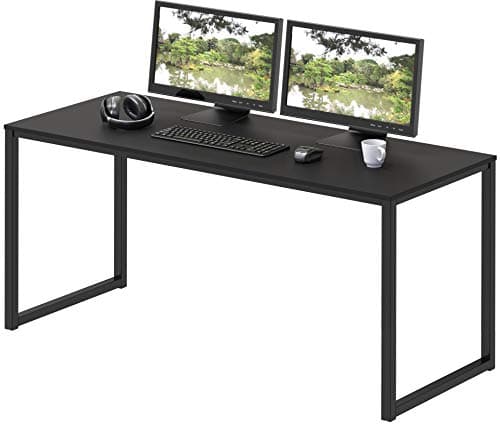
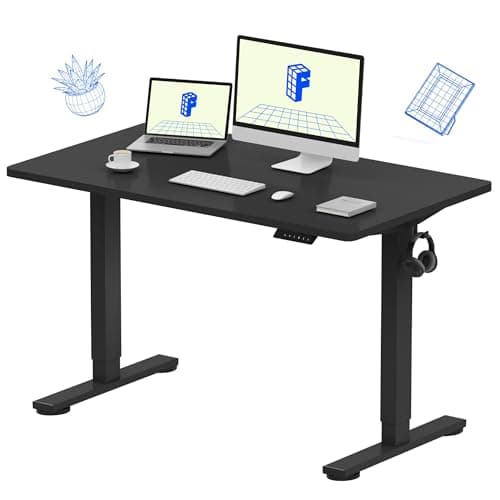
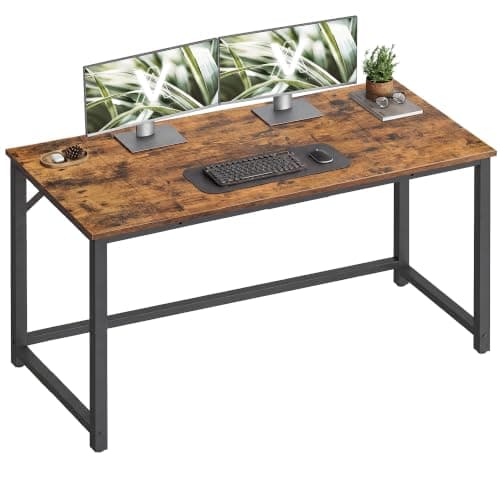
The VASAGLE 47.2″is our value pick: 47 inches of width with a published 110 lb top rating. The SHW Mission 48″ is the pick if both screens keep their stands, because it has genuine 23.8-inch depth. And the FLEXISPOT EN1is the one to buy if you want to stand up: a one-piece 48 × 24-inch top rated to 176 lb. Dimensions come from the manufacturer listings.
The width table, so you can stop guessing
Monitor widths vary by bezel, but these are close enough to shop with. A 22-inch screen is about 19.5 inches wide, a 24-inch about 21, a 27-inch about 24. Two screens side by side therefore need roughly 39 inches (22″ pair), 42–44 inches (24″ pair), or 48 inches (27″ pair)of desk width — and that is edge to edge with nothing spare. Add a few inches if you want the screens angled inward, which most people do. This is why 47–48 inches is the sweet spot for a compact dual-monitor desk, and why 40 inches only works if the screens are small or one of them is on an arm above the other.
Stack instead of spreading
The move that makes a genuinely small desk run two screens is vertical. A dual arm can put one monitor above the other, or angle a second screen back over the corner of the desk, so your width requirement drops to roughly one screen’s worth. That is the trick behind most 40-inch dual setups you see online. Read our two-monitors-on-a-small-desk guide for the layouts, and dual arm vs two single armsfor which hardware suits a narrow desk — on a small top, two independent single arms often beat one dual arm because they do not share a pole.
Check the load rating before the looks
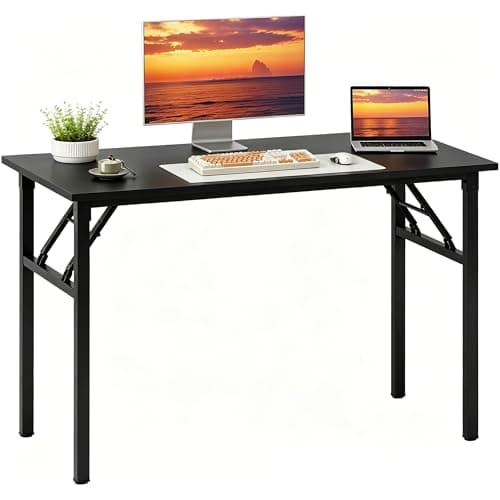
Two monitors, an arm and a laptop is a real load, and it is concentrated at the back edge where an arm clamps. Three of our five picks publish a figure: 110 lb (VASAGLE), 176 lb (FLEXISPOT EN1), 220 lb (Need). Prefer a desk that publishes one, keep the heavy items over a leg rather than mid-span, and if you are clamping an arm, check the desk top is thick and solid where the clamp goes — our arm-compatibility guide covers the thickness and material checks.
Cables double when the screens do
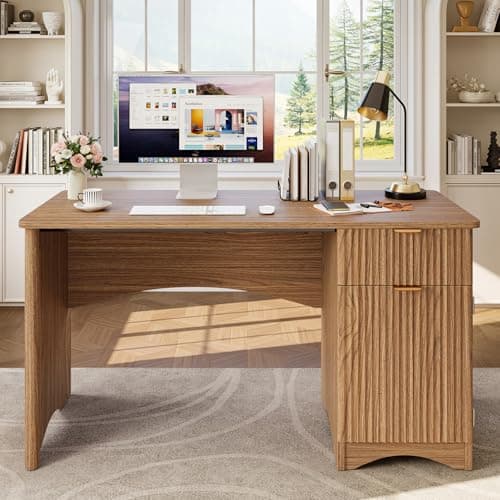
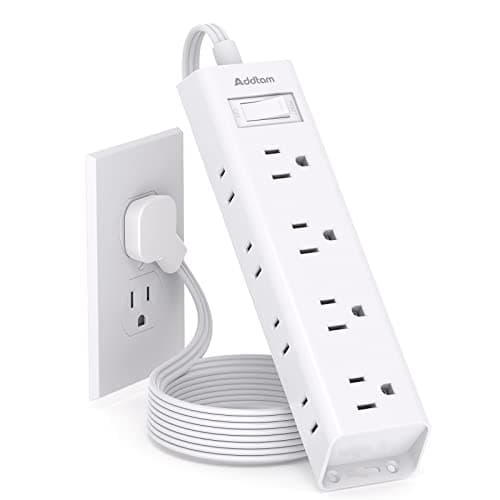
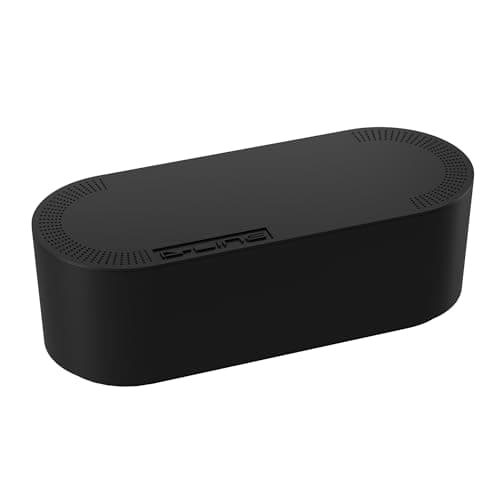
Two monitors means two power bricks and two display cables, and on a small desk that is visible. Budget a little for tidying: a cable tray or sleeveunder the back edge takes six cables out of sight for the price of a takeaway, and a desk with a published pass-through (the Bestier here) saves you drilling one. If the desk is against a wall, run the sleeve down a rear leg rather than the middle — it stays hidden and does not interfere with a chair.