HUB 05 · Small-Space Setups
How to Fit a Desk Inside a Closet
A reach-in closet is roughly 24 inches deep and 5 feet wide — enough for a real workspace if you buy to those two numbers and light it properly.
We earn a commission when you buy through our Amazon links, at no extra cost to you. It never affects our rankings, and we say so when the cheaper product is the better buy. How this works.
A closet office works because it solves the hardest problem in a small apartment: where the workspace ends. A desk in the living room bleeds into the room all day. A desk in a closet has doors. The catch is that a closet is a fixed box, and the box is shallower than most people assume — so the whole project comes down to two measurements and a lighting plan.
This guide gives you the standard closet dimensions, the desk formats that actually fit them, how to get a screen to eye level in 24 inches of depth, and how to light a space that has no window and usually no outlet. There is a renter-safe version of every step: nothing here requires a hole you cannot fill.
The two numbers that decide everything
Before anything else, measure the interior depth (back wall to the inside face of the door frame) and the interior width(side wall to side wall, at desk height — not at the trim). Closets are rarely square, so measure the width at both the back and the front and use the smaller number.
| Closet type | Typical interior depth | Typical interior width | What fits |
|---|---|---|---|
| Reach-in (standard) | 24 in | 48–72 in | Laptop + one monitor on an arm |
| Reach-in (shallow / older builds) | 18–20 in | 36–48 in | Laptop only, or one small monitor on an arm |
| Wardrobe / armoire | 20–24 in | 30–40 in | Laptop, single screen, doors that close on it |
| Walk-in | Wall run varies | Wall run varies | Treat as a tiny room, not a closet |
The depth number is the one that hurts. A standard reach-in closet is framed at roughly 24 inches deep, and once you allow for baseboard, a power brick and a little breathing room behind the desk, you are working with about 20 inches of usable surface depth. That is a comfortable laptop desk and an uncomfortable monitor desk — unless you get the monitor off the surface, which is step three.
Step 1: Pick a desk format that suits a box
Three formats work in a closet, and they fail in different ways.
- A wall-mounted or floating desk. The best answer if you can put screws in the closet walls: no legs, so the floor stays free for a chair and storage, and you choose the exact height. See floating desks.
- A narrow freestanding desk.The renter answer. Look for 16–20 inches of depth so it clears the door frame, and a width a few inches under your interior width so you can get it in at an angle. Start at best narrow desks.
- A fold-down desk. If the closet doubles as storage, a wall-mounted folding desk gives you a surface when you need one and a flat wall when you do not.
What does not work: a corner or L-shaped desk (there is no corner to use), and anything over about 24 inches deep, which will not clear the door frame during the awkward part of moving it in.
Step 2: Take the closet rod and shelf into account
Most reach-in closets have a rod and a shelf at roughly 66–68 inches from the floor. You can usually keep both: the shelf becomes storage for the things a small desk has no room for, and the rod is where a clamp lamp or a power strip can hang out of sight. If you remove them, keep the brackets and the hardware in a bag — putting a closet back the way you found it is what protects a deposit.
Check the height clearance before you commit. If you plan to sit at a desk at the standard 29–30 inches and put a monitor above it, you need roughly 50 inches of clear wall above the floor for the screen; a shelf at 66 inches leaves that comfortably. Our desk height guide covers the seated numbers in detail.
Step 3: Get the screen off the surface — this is not optional here
In 20 inches of usable depth, a monitor on its factory stand is fatal. A typical monitor base is 8–10 inches deep, which leaves you 10 inches for a keyboard, your wrists and a mug — and it pushes the screen so close to your face that you will lean back into the chair all day. A clamp monitor arm removes the base entirely and lets you push the screen back to the closet wall, recovering the depth the stand was renting.
Two closet-specific notes. First, an arm needs a desk edge it can clamp to, so check the clamp’s jaw range against your desktop thickness — the method is in will a monitor arm fit my desk. Second, a clamp arm needs a few inches of clearance behindthe desk for the mount block, which in a closet means pulling the desk 2–3 inches off the back wall. Measure that before you buy the desk, not after.
Step 4: Light it, because a closet has no window
This is the step people skip and then wonder why the closet office feels like a cave. A closet has no daylight and usually one dim overhead fixture behind you — the worst possible position, because it puts your own shadow on the desk and a reflection on the screen.
The fix is task light at the desk, and on a shallow surface it must not sit on the surface. A clamp desk lamp grips the back edge and lights the work area from the side; a monitor light bar sits on the screen and lights the desk without touching it. If the closet has no outlet at all, a rechargeable desk lampsolves it without an extension lead. Add a strip of light on the underside of the shelf if the back of the closet stays gloomy — see LED strip lights for desks.
Step 5: Solve power once
Closets are almost never wired for a workspace. Do not run four separate extension leads. Run oneheavy-gauge extension cord from the nearest room outlet, along the baseboard, and land it on a single surge-protected strip mounted under the desk or on the back wall — see desk power strips for the flat-plug and clamp-mount options that suit a shallow closet. Everything else plugs into that strip. Route the cord where the door will not pinch it, and never run it under a rug.
Step 6: Store up, and close the doors
The whole point of a closet office is that it disappears. Keep the desktop to the keyboard, the pointer and the current job; put everything else on the shelf above or in an under-desk drawer. If the closet has bifold or sliding doors, check that your chair can be pushed fully in before they close — that is usually what decides whether the doors ever actually get shut.
The renter-safe version, in full
If you cannot make holes, every step above has a reversible substitute: a freestanding narrow desk instead of a wall-mounted one, a clamp monitor arm instead of a wall mount, a clamp or rechargeable lamp instead of a wired fixture, adhesive cable clips instead of screwed conduit, and a rolling cart instead of built-in shelving. The renter-friendly desk setup guide covers each swap and what it costs you in stability.
Questions
Frequently asked
How deep is a closet desk?
Can you fit a monitor in a closet office?
How do you light a closet office with no window?
Can I build a closet office in a rental?
What size desk fits in a closet?
Finish the setup
Under $40: the parts that finish a small desk
A desk is the expensive decision. These are the cheap ones that decide whether it actually works in a small room — each is the top pick from one of our own roundups, and each clamps, sticks or stands rather than needing a drill. Prices live as of Sep 25, 2026.

Monitor arm
Amazon Basics Single Monitor Arm (Gas Spring)
Clamps to the back edge and gives you back the whole footprint the monitor stand was standing on — the single biggest surface win on a narrow desk.
$25.49Amazon#ad · Our top pick in The Best Monitor Arms for a Small Desk
Power strip
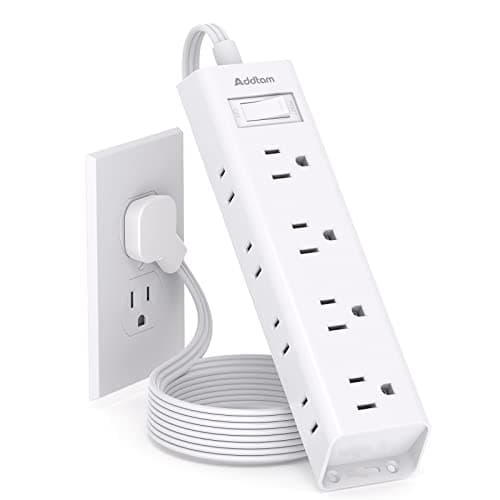
Addtam Flat-Plug Power Strip (12 outlets)
The flat plug is the point: a normal brick stops a desk sitting flush to the wall and costs you two inches of depth you do not have.
$11.99Amazon#ad · Our top pick in The Best Power Strips for a Desk
Bias lighting
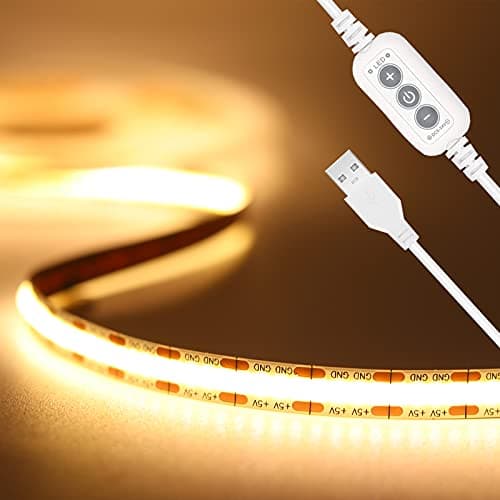
PAUTIX COB LED Strip (6.56ft, 3000K)
Sticks under a shelf or behind the monitor and lights the wall instead of the desk, so it takes no surface at all.
$9.19Amazon#ad · Our top pick in The Best LED Strip Lights for a Desk
Headphone mount
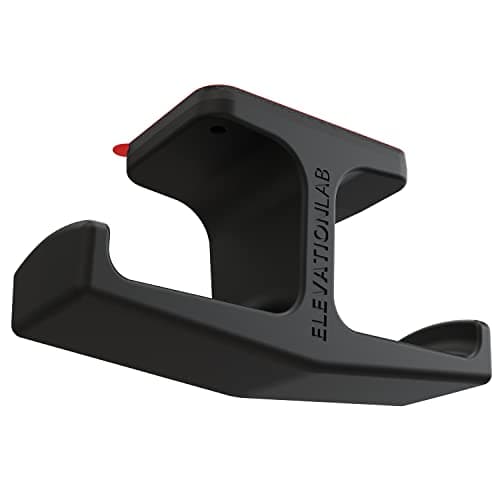
Elevation Lab The Anchor Under-Desk Headphone Mount
Adhesive, mounts under the desk, and clears the one bulky object that otherwise lives permanently on a small surface.
$11.99Amazon#ad · Our top pick in The Best Headphone Stands for Small Desks
Cable box
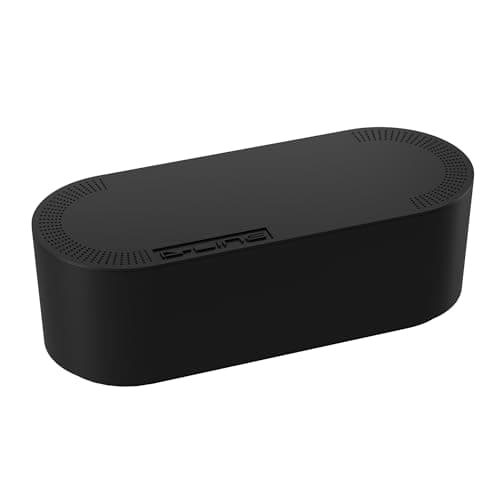
D-Line Cable Management Box (Large)
Puts the strip and the wall-warts in one closed box so the floor under a desk in a studio does not read as a nest.
$27.99Amazon#ad · Our top pick in The Best Desk Cable Management for a Small Setup
Desk organizer
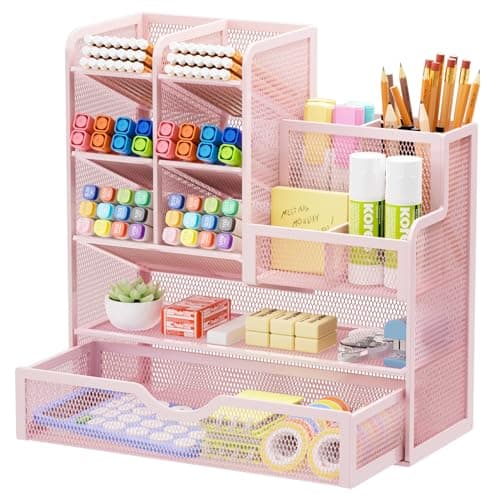
Marbrasse Mesh Desk Organizer with Drawer
Goes vertical with the pens and notebooks that otherwise spread flat across the only surface you have.
$22.99Amazon#ad · Our top pick in The Best Desk Organizers for Small Desks
Laptop stand
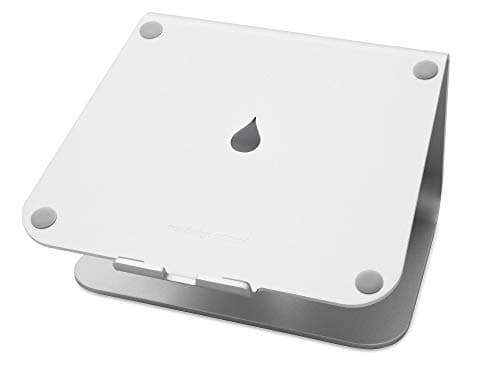
Rain Design mStand Laptop Stand
Lifts the screen to eye level and opens the space underneath for a keyboard, which is how a 40-inch desk fits a full setup.
$38.99Amazon#ad · Our top pick in The Best Laptop Stands for a Small Desk
Keep reading
Related
- Best narrow desks16-20in deep tops that clear a closet door frame.
- Best floating desksWall-mounted tops that free the closet floor.
- Renter-friendly desk setupThe reversible version of every step here.
- Desk height guideThe seated numbers behind the clearance math.
- The closet office buildThe exact parts list once you have measured the closet.
Receipts
Sources
- OSHA — Computer Workstations eTool (working height, clearance and lighting guidance)
- U.S. Consumer Product Safety Commission — extension cord safety
We do not run a testing lab, and we do not pretend to. Specifications come from the manufacturer or retailer listing; the footprint and clearance math is ours and reproducible. Where we could not verify a number, we say so on the page rather than quietly leaving it out. Read our full method.