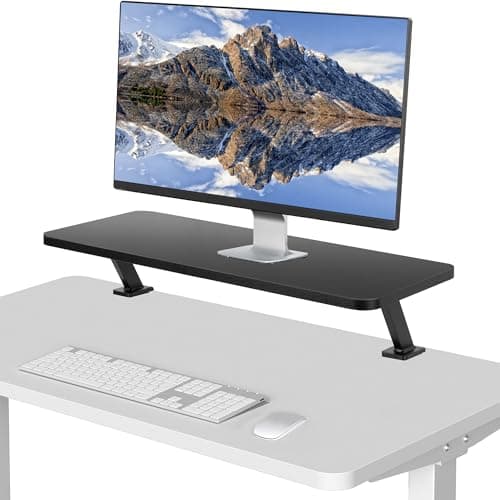
A monitor riser is the most cost-effective ergonomic purchase on this site. Most desks put a screen too low, most people fix it with a stack of books, and a purpose-made riser does the same job with a shelf underneath that swallows your keyboard when you are done. It needs no clamp, no drilling and no compatible desk — it just sits there.
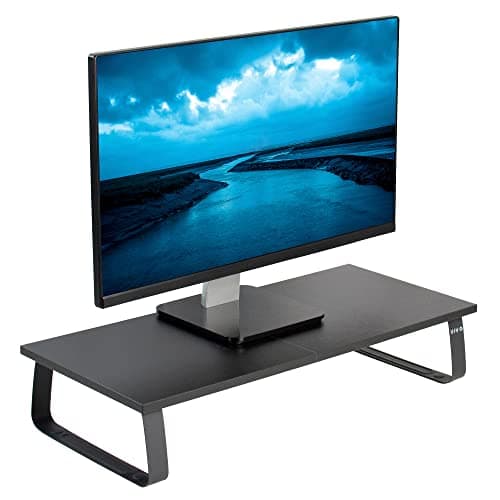
Be clear about what it does and does not do. A riser lifts the screen (typically 2.9 to 5.5 inches) and creates storage below it. What it does not do is give you back the deptha monitor base occupies — the platform sits in the same footprint. If reclaiming those 8–10 inches is the goal, you want a monitor arm, and our arm vs stand comparison puts the two side by side. The exception on this list is the VIVO clamp-on shelf, which mounts to the desk edge and floats above the surface entirely.
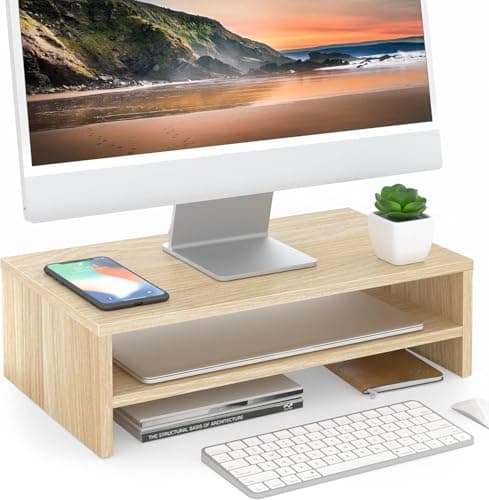
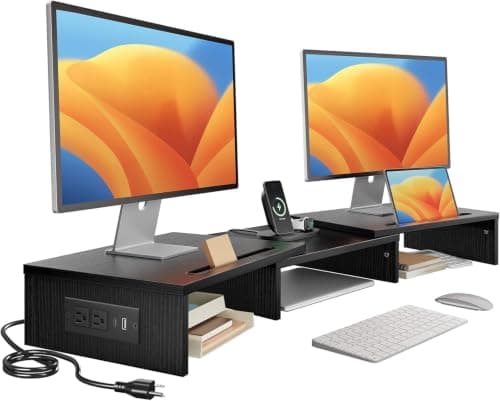
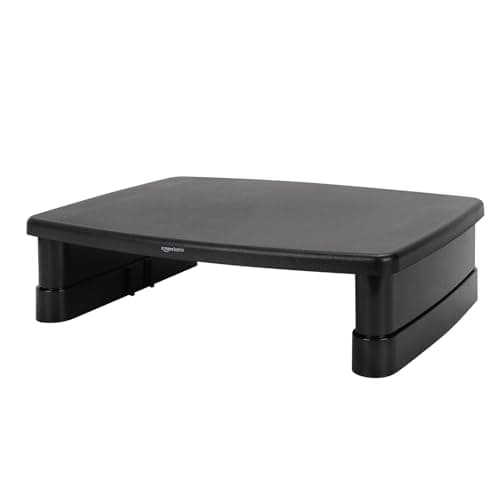
Our pick is that VIVO clamp-on 26″ shelf: 25.8 × 10.2 inches, 44 lb capacity, 5.1 inches of clear space beneath and nothing standing on your desk. If you want a plain riser, the FITUEYES two-tier lifts 5.5 inches with real storage, and the Amazon Basics is the cheapest way to fix screen height at all.
How high should the screen go?
The usual guidance is that the top of the screen sits at or just below eye levelwhen you are sitting upright, with the screen about an arm’s length away. To work out your lift: sit at the desk, look straight ahead, and note where your eye line falls on the monitor. If it lands well below the top of the panel, you need less lift than you think; if you are looking down at the middle of the screen, you probably need 3–5 inches. The risers here lift 2.9 to 5.5 inches, which covers most cases — and if you need more than that, or need to fine-tune it, that is what an arm is for.
Check the capacity against your actual monitor
Monitor weights vary far more than sizes suggest: a 24-inch panel can be 7 lb, a 32-inch curved screen 20 lb or more. Published capacities here run from 22 lb (Amazon Basics) to 48.5 lb (HUANUO). Find your monitor’s weight with its stand, since the stand is going on the riser too, and leave headroom. A riser that is technically at its limit will hold, but a plastic one may bow over months.
The clamp-on shelf is the small-desk special case
Nearly every riser sits on the desk and therefore does not recover any depth. The VIVO clamp-on shelf is the exception: it grips the rear edge and cantilevers the platform out over the surface, so the desk underneath stays completely clear. On a narrow deskthat is the difference between a riser being pointless and being the best purchase available — provided your desk top is 1.2 inches or thinner and has a reachable edge.
What to put in the slot underneath
The space a riser opens up is genuinely useful, and how you use it decides whether the riser pays for itself. The obvious answer is the keyboard, parked there when you finish. Better answers on a small desk: a small drawer unit that slides in and out, or the router and a cable boxthat would otherwise sit on the floor. What not to put there is anything you need often — reaching under a shelf all day gets old.