HUB 02
Monitor Arms & Mounts for Small Desks
The single upgrade that gives a small desk its surface back — ranked, priced live, and honest about which desks they actually clamp to.
We earn a commission when you buy through our Amazon links, at no extra cost to you. It never affects our rankings, and we say so when the cheaper product is the better buy. How this works.
Start here

The Best Monitor Arms for a Small Desk
A monitor arm buys back the depth a stand steals. Six clamp-on picks for a small desk, from the best-value gas spring to a premium arm and an ultrawide-rated one.
Best Overall · Amazon Basics Single Monitor Arm (Gas Spring)
$27.29View on AmazonA monitor arm is the highest-leverage thing you can add to a small desk, because it buys back the one resource you are short on: surface. A typical monitor stand occupies a footprint roughly 8–10 inches deepat the back of the desk — exactly where a small desk has the least to spare. Clamp an arm to the edge and that space comes back for a keyboard, a notebook, or nothing at all, which on a 40-inch desk is a luxury.
Two numbers decide whether an arm fits your desk
Before anything else, check the desk-edge thickness and the VESA pattern. Most C-clamps fit desktops from about 0.4 to 3.4 inchesthick; measure yours, because a thin floating desk or a thick butcher block can both fall outside that range. VESA is the four-hole grid on the back of the monitor — almost always 75×75mm or 100×100mm — and an arm that does not match it will not mount without an adapter. Get those two right and everything else is preference.
How the category divides
- Single arms— one screen, the cleanest desk. This is what most small-space setups want. Gas-spring models let you reposition with one hand; cheaper spring-tension arms hold a set height and cost less.
- Dual arms— two screens on one clamp. They save a second stand footprint, but a small desk has to be wide enough for two monitors side by side before a dual arm helps — below about 47 inches of width, two monitors physically will not fit no matter how you mount them.
- No-drill (clamp) mounts— the renter’s default. A C-clamp grabs the desk edge with zero holes and zero damage. Grommet mounts are sturdier but need a hole in the desk, which is a landlord conversation.
What decides the price
The mechanism and the build. A gas-spring arm (fluid, one-handed height changes) costs more than a spring-tensionor fixed arm, and a machined aluminum arm with internal cable channels costs more than a stamped-steel one. The premium names — the Ergotrons and Humanscales of the category — earn their price with smoother motion and a warranty measured in years, but a $30 gas-spring arm holds a 24–27-inch monitor perfectly well, and for a single screen on a compact desk it is usually all the arm you need. Weight range matters too: check that your monitor’s weight falls inside the arm’s rated window, because an arm set for a heavy screen will drift upward under a light one.
The mistake to avoid
Buying a dual arm “to be safe” for a desk that can only hold one monitor across its width, or ignoring the clamp range and discovering the arm will not close on a thin desk edge. Measure first. When you are ready, the best monitor arms roundup ranks the field, the no-drill guide covers renters, and if you are still deciding, dual vs two singles settles the two-screen question. If price is the constraint, the best budget monitor armfrees exactly the same desk depth as a premium one. If the desk moves, the frame under the top changes which arms can clamp at all — that is the best monitor arms for standing desks. If the screen is a laptop and the desk is the thing you are short of, a wall mount takes it off the surface entirely — see the best laptop wall mounts, ranked on tray limit, minimum load and folded depth. And if a clamp is ruled out altogether — a glass top, a rented desk, a rear apron in the way — monitor arm alternatives ranks the freestanding stands and wall mounts that raise a screen without one. The arms here pair naturally with the desks in our compact-desk roundup— that is the whole point of the mount.
Everything in this hub
All monitor arms & mounts guides
Roundup
The Best Monitor Arms for a Small Desk
A monitor arm buys back the depth a stand steals. Six clamp-on picks for a small desk, from the best-value gas spring to a premium arm and an ultrawide-rated one.
Top pick · Amazon Basics Single Monitor Arm (Gas Spring)
Roundup
The Best Single Monitor Arms
A single arm removes the one object that eats the most desk depth. Five picks, from a no-drill value gas spring to a premium arm and a cheap tension mount.
Top pick · Amazon Basics Single Monitor Arm (Gas Spring)
Roundup
The Best Dual Monitor Arms
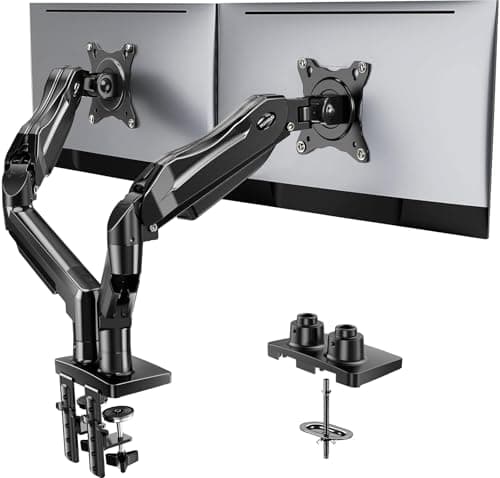
A dual arm runs two monitors off a single desk clamp. Four picks ranked, plus the roughly 47-inch desk width two screens need side by side.
Top pick · HUANUO Dual Monitor Stand
Roundup
The Best No-Drill Monitor Arms
A C-clamp arm frees a small desk and leaves no holes — ideal for renters. Four no-drill picks ranked, plus the desk-edge thickness a clamp needs.
Top pick · Amazon Basics Single Monitor Arm (Gas Spring)
- Comparison
Comparison
Dual Monitor Arm vs Two Single Arms: Which Fits a Small Desk?
One dual arm shares a clamp and costs less; two single arms move independently and handle mismatched screens. A decision table settles which fits your desk.
Roundup
The Best Monitor Arms for Ultrawide Monitors
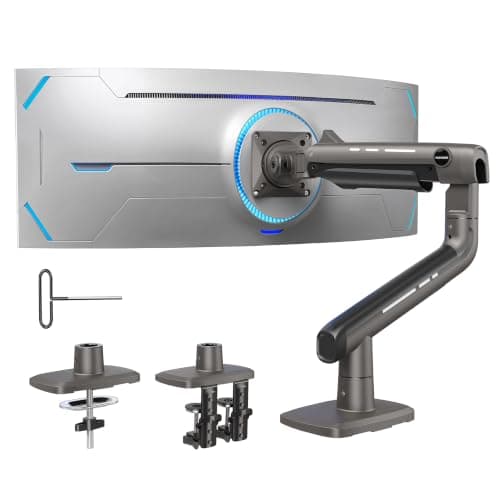
Ultrawides need arms rated to 33–44 lb, not the 17 lb budget models. Four picks with published weight ranges and honest desk requirements.
Top pick · HUANUO TitanLift Heavy-Duty Monitor Arm
Roundup
The Best Monitor Arms with a Laptop Tray
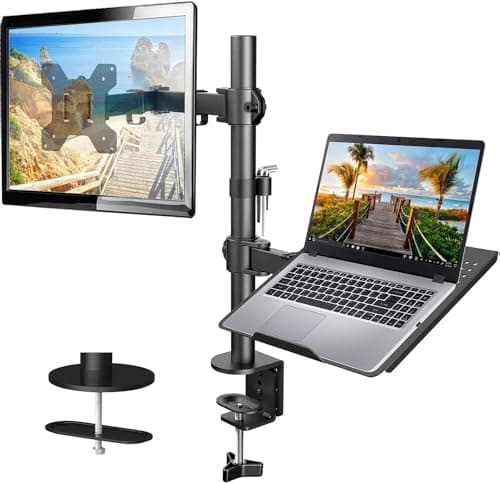
A laptop tray on an arm turns a laptop into a proper second display and clears the desk under it. Four picks, tray sizes published.
Top pick · HUANUO Monitor Arm with Laptop Tray
- Roundup
Roundup
The Best Wall-Mount Monitor Arms
A wall arm gives back 100% of the desk — including the edge a clamp would use. Four picks, with the stud requirement stated plainly.
Top pick · HUANUO Single Monitor Wall Mount
Comparison
Monitor Arm vs Monitor Stand: Which Frees More Desk?
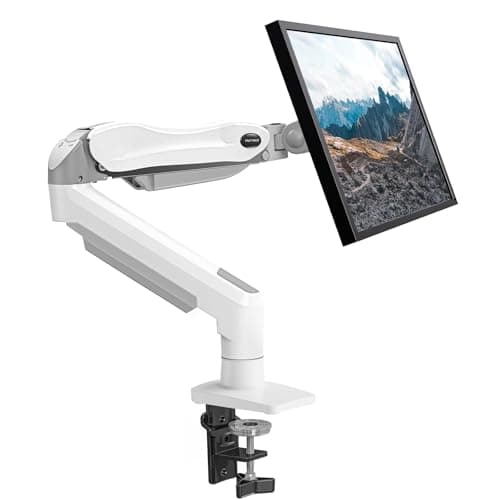
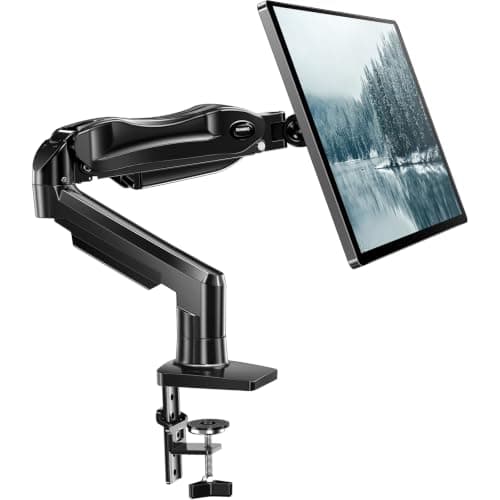
A riser is cheap, needs no clamp and adds a shelf. An arm frees 8–10 inches of depth and sets height properly. Which wins depends on your desk.
Top pick · HUANUO Single Gas-Spring Monitor Arm
Roundup
The Best Monitor Arms for 32-Inch Monitors
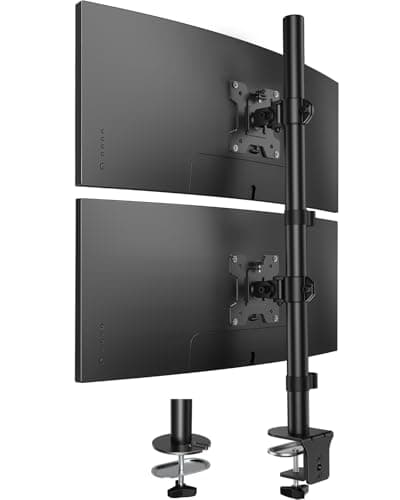
At 32 inches a screen reaches the ceiling of the standard 4.4-19.8 lb band. Five arms that handle it, ranked on rated range, reach and how they clamp to a small desk.
Top pick · HUANUO FlowLift Single Monitor Mount
Roundup
The Best Vertical Monitor Arms
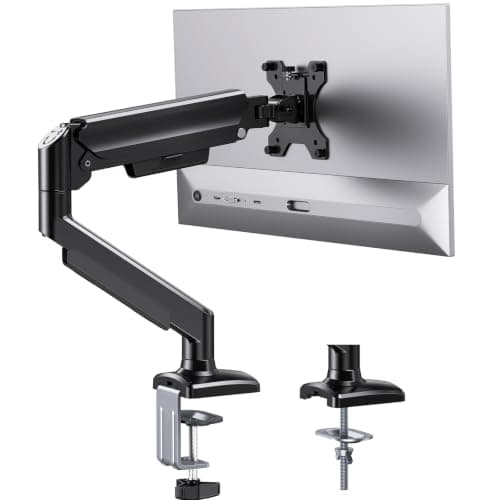
Two screens, one desk width. Five stacked and portrait-capable mounts ranked on pole height, per-screen rating and whether they need a clamp at all.
Top pick · HUANUO Vertical Dual Monitor Mount
Roundup
The Best Budget Monitor Arm for a Small Desk
The desk space an arm frees costs the same at any price. Five budget arms ranked, plus an honest account of what the cheap end really gives up.
Top pick · ErGear Single Monitor Arm (13–36in)
Comparison
Clamp vs Grommet: Which Monitor Mount Should You Use?
Both bases come in the box. A clamp pinches the desk edge and leaves no marks; a grommet bolts through the top and spreads the load. Which your desk actually wants.
Top pick · HUANUO FlowLift Single Monitor Mount
Comparison
Gas Spring vs Mechanical Spring Monitor Arms
Gas cylinders are cheap and smooth but lose pressure over years. Mechanical coil springs cost more and effectively do not. Which matters depends on your screen.
Top pick · Amazon Basics Single Monitor Arm (Gas Spring)
Roundup
The Best Monitor Arms with USB Ports
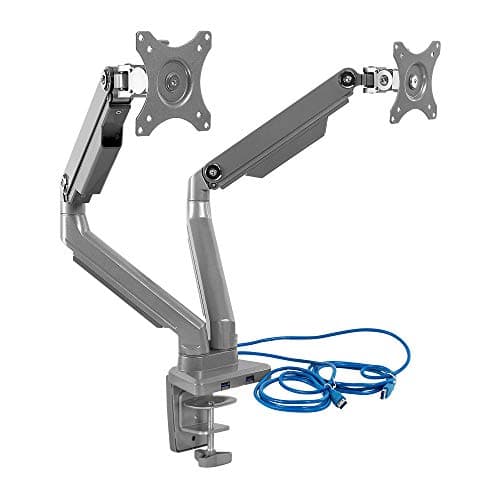
Ports at screen height instead of under the desk. Five monitor arms with built-in USB hubs, ranked on port count, screen range and how much desk they free.
Top pick · Mount-It! Dual Monitor Desk Mount with USB 3.0
Comparison
Desk Mount vs Wall Mount Monitor Arm
Wall mounting frees the entire desk, including the clamp footprint — but it puts holes in someone else's wall and needs a stud. Here is when each one wins.
Top pick · HUANUO Single Monitor Mount (Desk Clamp)
Roundup
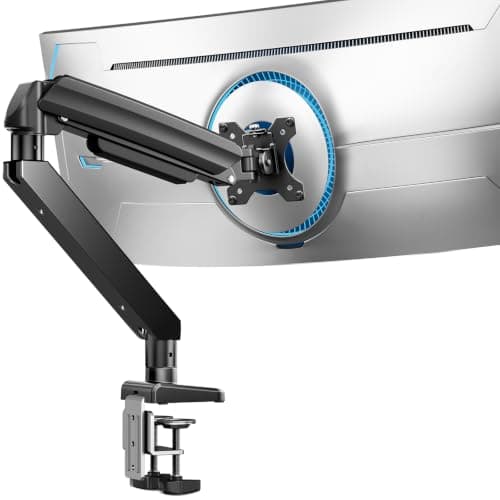
The Best Monitor Arms for Standing Desks
A sit-stand desk does not need an arm with more height range — it needs one that clears the frame, grips a thin top and survives 18 inches of cable travel. Five ranked on published clamp specs.
Top pick · ErGear Heavy Duty Monitor Arm (13–49in)
Roundup
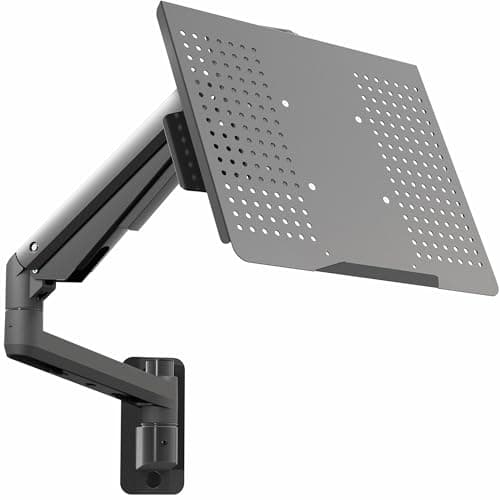
The Best Laptop Wall Mounts
Take the laptop off the desk entirely, or skip the desk. Five wall mounts ranked on tray limit, minimum load, folded depth and the wall each one needs.
Top pick · VIVO Pneumatic Laptop Tray Wall Mount (MOUNT-KB35L)
Roundup
The Best Monitor Arms for a Desk Pushed Against a Wall
No rear clearance means no clamp. Four arms that mount through the desk or on the wall instead, with the published thickness and weight ranges for each.
Top pick · Amazon Basics Single Monitor Arm (Gas Spring)
Roundup
Best Monitor Arms for Thick Desks
Thick top, no grommet hole? Five arms with a published clamp range past three inches, ranked on the stated ceiling — and the minimum-thickness catch that comes with a wide clamp.
Top pick · HUANUO FlowLift Single Monitor Mount
Roundup
Best Monitor Arms for Heavy Monitors
Heavy screen on a small desk? Five arms ranked on published weight range — including the 20 lb minimum that rules a premium arm out, and why a curved panel counts for more than it weighs.
Top pick · HUANUO TitanLift Heavy-Duty Monitor Arm
Roundup
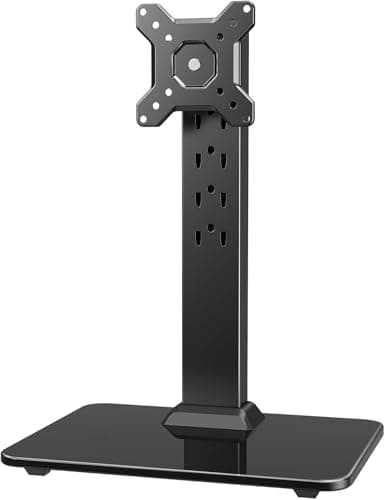
Monitor Arm Alternatives
Cannot clamp? Five no-clamp mounts ranked on net desk depth returned — freestanding VESA stands that out-load most arms, a wall mount, and the riser floor of the category.
Top pick · HUANUO Freestanding VESA Monitor Stand
Guide
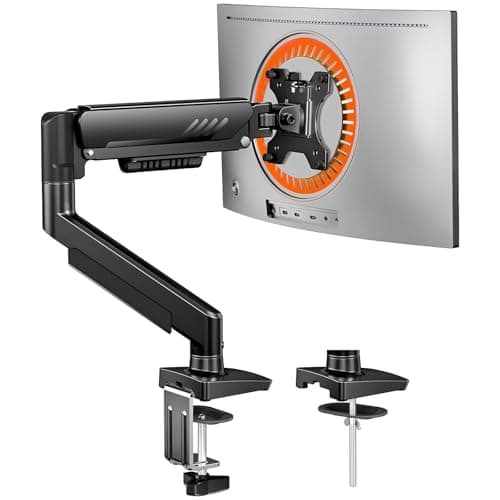
Are Monitor Arms Worth It?
Yes on a shallow desk: an arm returns 8-10 inches of depth and fixes screen height in one purchase. No on glass, hollow-core or wall-flush desks. The arithmetic, plus three arms and the cheaper alternative.
Top pick · ErGear Single Monitor Arm (13–34in)
Complete the setup
A desk is one part of a small-space workspace
- Compact DesksRectangular, corner, wall-mounted, folding and standing — every small desk we cover, sized by the space it actually takes up.
- Desk LightingLight that doesn't cost you desk space — clamp lamps and monitor light bars ranked, priced live, and measured by the footprint they take.
- Space-Saving AccessoriesThe parts that finish a small-space setup — laptop stands, under-desk storage and cable tidy, ranked and priced live.