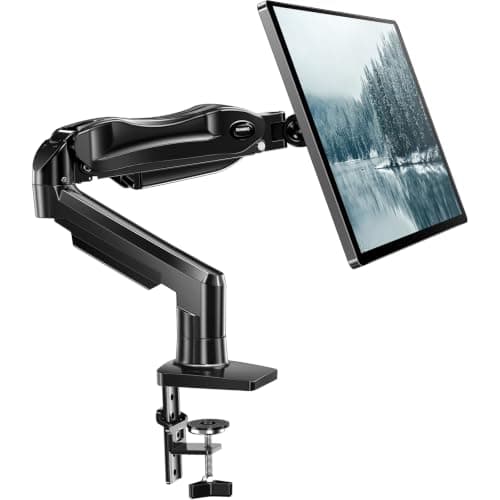
Short answer: on a solid wood, plywood, MDF or thick laminated particleboard top, a properly fitted clamp arm leaves no damage— at most a faint pressure mark under the jaw that is invisible once the arm is removed. The two cases where it genuinely damages a desk are a hollow-core top (two thin skins with air between them, common on cheap flat-pack desks) and glass, which manufacturers exclude outright. Everything else is a question of how much screen you are hanging on how thin a top.
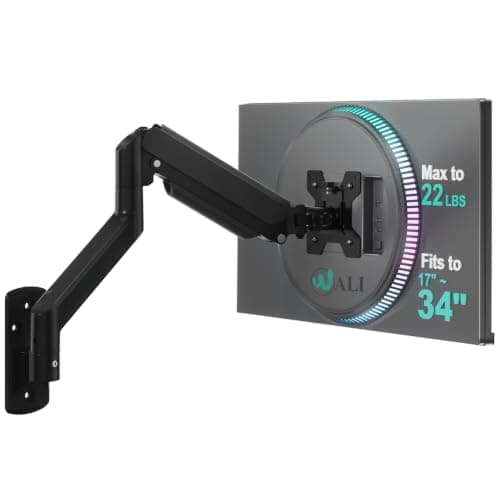
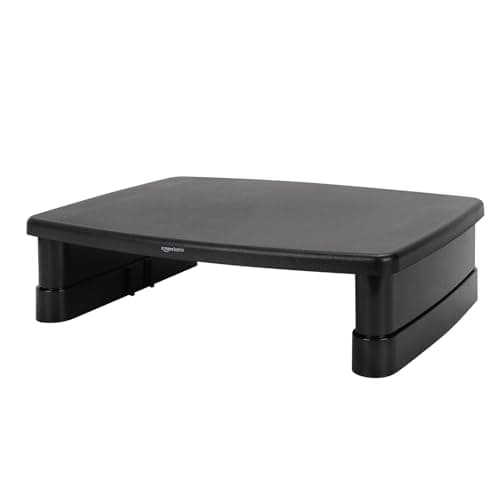
If the desk is not yours to risk, there are three mounts that touch it either gently or not at all: a grommet base, which bolts through an existing cable hole and spreads the load through the top rather than pinching the edge; a wall mount, which puts the holes in the wall instead; and a riser, which simply sits on the desk. Those three are the picks below.
What actually causes damage, in order of likelihood
Over-tightening the clamp.The most common cause by a wide margin, and the easiest to avoid. A clamp needs to be firm, not maximum — tighten until the arm does not move when you push the screen, then stop. The leverage on the knob is high and it is entirely possible to crush a laminate skin with a hand tool. If the arm later creeps, that is usually a tension-spring problem, not a clamp problem, and tightening the clamp further will not fix it.
A thin top under a heavy screen.Clamps publish a thickness range and the bottom of that range is where trouble lives. An arm whose clamp accepts 0.39 in will physically grip a 0.5 in top, but a 19 lb panel at 20 inches of extension applies a lot of bending moment to half an inch of particleboard. The practical rule: the thinner the top, the lighter the screen, or move to a grommet or wall mount.
A hollow-core top. Tap the surface where you want to clamp. A hollow sound means two thin skins over a honeycomb or empty core, and a clamp there is squeezing air. The failure is a dished, cracked skin rather than a dent, and it is permanent. A wide metal plate under the clamp foot spreads the load enough for a light screen; do not do it with a heavy one.
Glass.Not a maintenance issue — a safety one. Clamping a moving load to a glass edge concentrates stress at exactly the point glass is weakest, and makers say so explicitly rather than hedging. Do not clamp to glass, with or without padding.
Which tops take a clamp, and which do not
| Top | Clamp verdict | Why |
|---|
| Solid wood / plywood | Fine | Even grain, no skin to crush; pressure marks recover |
| MDF, thick laminated particleboard | Fine within the published range | Dense through the section; respect the thickness minimum |
| Thin particleboard (< ~0.6 in) | Risky with a heavy screen | Bending moment exceeds what the section can carry |
| Hollow-core | Avoid | Clamp grips two thin skins with nothing between them |
| Glass | Never | Makers exclude it; stress concentrates where glass is weakest |
| Metal or stone | Check the maker | Several explicitly exclude both |
Three mounts that leave the desk alone
How to fit a clamp arm without marking anything
Pick the clamp point deliberately.Not the middle of the back edge by default — look for the thickest, most solid part of the top, away from a grommet cut-out, away from a drawer runner, and away from edge banding that may be thinner than the board behind it. Measure the thickness at that exact spot.
Use a packer if the top is thin.A hardwood block between the jaws does two things: it brings a thin top into the clamp’s range, and it spreads the load over a wider area. A scrap of 12 mm plywood cut to 100 mm square is the usual arrangement. On a laminate top, a thin felt pad against the finish prevents the faint pressure mark entirely.
Tighten to firm, then stop. Push the screen; if the base does not shift, the clamp is tight enough. There is no benefit to going further and the first thing to give is the desk finish.
Set the spring tension to the screen.This is the step that gets skipped and then gets blamed on the clamp. Every gas-spring arm has a tension screw matched to the monitor’s weight: if the screen sinks, increase tension; if it rises, reduce it. An under-tensioned arm sags, people respond by tightening the clamp, and that is how a desk gets dented by a problem that had nothing to do with the clamp.
Keep the arm partly retracted. Full extension is the position of maximum leverage on whatever the base is gripping. On a thin top, running the arm two-thirds out rather than fully out meaningfully reduces the load at the clamp.
If the desk is not yours
This site is written for renters, and a landlord’s desk changes the calculation. The ranking that matters then is reversibility, not strength: a riser leaves nothing at all, a clamp leaves at most a pressure mark that needs the right top to be invisible, a grommet uses a hole that already exists, and a wall mount leaves four holes in someone else’s plaster. That is why our no-drill picks rank clamp arms ahead of wall mounts even though wall mounts are mechanically stronger, and why the renter-friendly setup guidetreats “comes off cleanly” as a specification rather than a nice-to-have. Published damage-free weight limits for adhesive and tension-fit alternatives are collected in damage-free mounting weight limits.
What about the monitor falling?
Rare, and when it happens it is almost always one of three things: the screen was over the arm’s rated weight, the VESA screws were the wrong length (too short to engage, or long enough to bottom out and not clamp the plate), or the clamp was fitted to a hollow or inadequate top. All three are checkable before you hang anything. The weight side is in how much weight a monitor arm can hold, and the five fit checks are in will a monitor arm fit my desk.
What we can and cannot tell you
The thickness ranges, weight limits and material exclusions above are each manufacturer’s own published figures, named in Sources. The fitting advice is standard practice plus the load reasoning, not a test result — we have not clamped arms to sample desks and measured the indentation, and we are not going to imply we have. Our methodology states exactly what our scores are based on.