A hutch is the only kind of desk storage that is free. Drawers eat legroom, a pedestal eats width and a rolling cart eats floor beside the desk — but a shelf tower sitting on the back of the desktop uses air that was already yours. In a bedroom, a studio or a shallow alcove, that is the difference between a desk you can put things on and a desk you can put things away on.
The catch is that a hutch takes depth from the surface. A typical shelf unit occupies 6 to 9 inches of the top's depth, so on a 23.6-inch desk you are left with roughly 15 to 17 usable inches in front of it. That is fine for a laptop and comfortable for a monitor on an arm, but it is tight for a monitor on its own stand, whose base wants 8 to 10 inches on its own. Work out that subtraction before you buy — it decides whether the desk works, more than the width does.
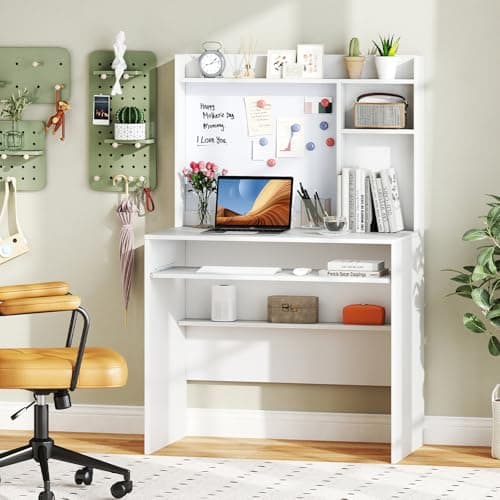
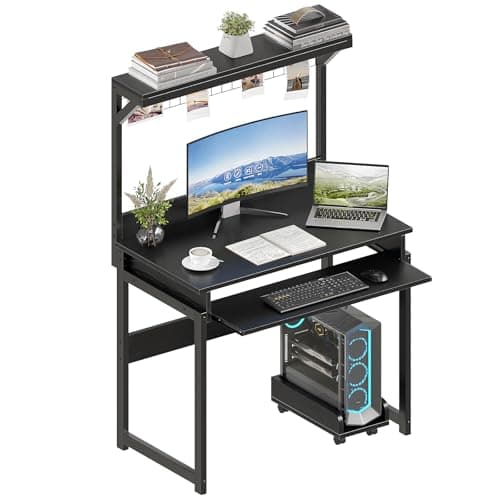
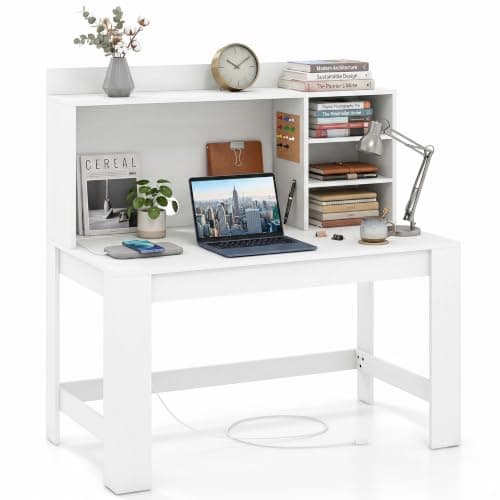
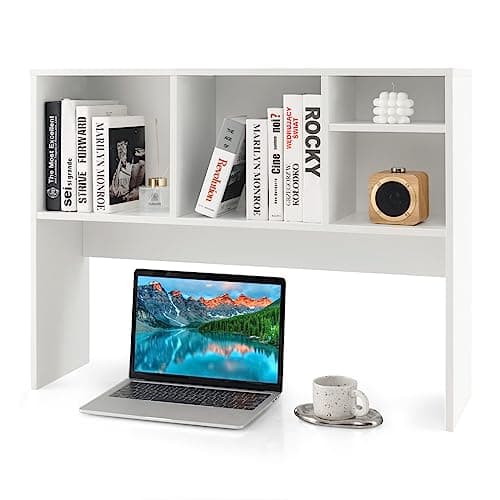
Our pick is the Aquzee 40-inch desk with hutch: a 40-inch top with a multi-shelf tower, which is the smallest width that still leaves working room once the shelves take their share. The Giantex is the sub-$100 option and the only one here with a keyboard tray, the ALISENED 31.5-inch is for a wall that will not take 40 inches, the DREAMADE 42.5-inch builds a power outlet into the desk, and the Tangkula desktop hutch is the answer if you already own a desk you like. Prices are live from Amazon; the methodology explains how the scoring works.
Do the depth subtraction first
The single number that decides whether a hutch desk works is the depth you have left. Take the desk's published depth, subtract the hutch footprint (6 to 9 inches on the units here), and compare what remains against what you put on a desk. A laptop needs about 10 inches. A keyboard and a mouse mat need 11 to 12. A monitor on its factory stand needs 8 to 10 inches of base plus enough space in front of it to type. On a 23.6-inch desk with a 7-inch hutch you have 16.6 inches — workable with a laptop or a screen on an arm, cramped with a monitor stand.
This is why the keyboard tray on the Giantex above scores so well for a format this tight: moving the keyboard below the top gives the whole remaining depth back to the screen. Our desk sizing guide has the full width and depth bands, and under-desk keyboard trays covers adding one to a desk that came without.
Hutch, riser or shelf: three different jobs
| Format | What it is for | Cost to the desktop |
|---|
| Hutch | Storing things upward — books, files, supplies | 6–9 in of depth, permanently |
| Monitor riser | Lifting one screen to eye level, storing under it | The riser's own footprint, but reclaims the space beneath |
| Wall shelf | Storage that costs the desk nothing at all | Zero — but needs fixings and a landlord who agrees |
If your problem is a screen at the wrong height rather than clutter, a monitor riser is the cheaper and better answer. If the wall above the desk is available and you can fix to it, a wall shelf above the deskgives you the same storage without spending an inch of desktop. A hutch earns its place when the wall is off-limits — a rental, a plasterboard partition, a shared room — and the storage still has to go somewhere.
What a hutch will and will not hold
Most desk hutches are 15mm particleboard on cam fixings, and none of the listings here publishes a per-shelf load rating. Treat them as light storage: paperback books, files, stationery, a router, a small plant. What does not belong up there is anything heavy or expensive whose fall would matter — a monitor, a printer, a stack of hardbacks. If you need to store weight above the desk, wall-fixed shelving into studs is the format that does it, and a hutch is not a substitute for one. We say this on every page where a listing omits a load figure, because assuming the best from silence is how shelves come down.
Lighting under a hutch
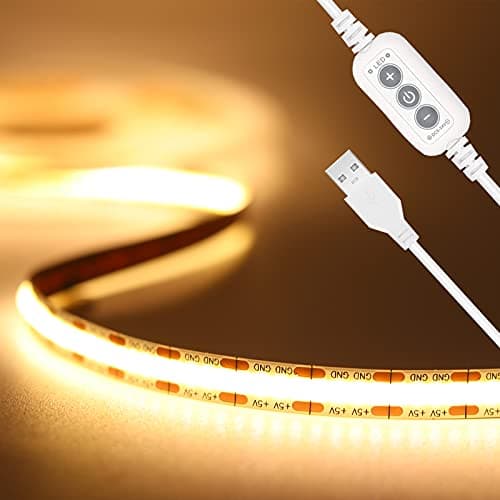
A hutch shades the back half of the desk, which is exactly where a monitor sits. A conventional desk lamp on the surface then has nowhere to go, because the shelf is in the way. Two formats solve it: a monitor light bar, which perches on the screen and lights the desk from above without occupying any surface, or a clamp lamp gripped to the desk edge so its arm reaches under the hutch from the side. Strip lighting fixed under the lowest shelf is the third option and the tidiest; see LED strip lights for a desk.
Assembly, and the one step people get wrong
Hutch desks arrive as two sub-assemblies, and the hutch is fitted last. Build the desk fully, put it in its final position against the wall, and only then fit the hutch — the assembled unit is awkward to move and the hutch uprights make it top-heavy. Tighten the desk frame in a cross pattern first (opposite corners in turn) so the top sits square, or the hutch will not line up with its fixing holes. If the finished desk rocks, our wobble guide works through the four causes in order.