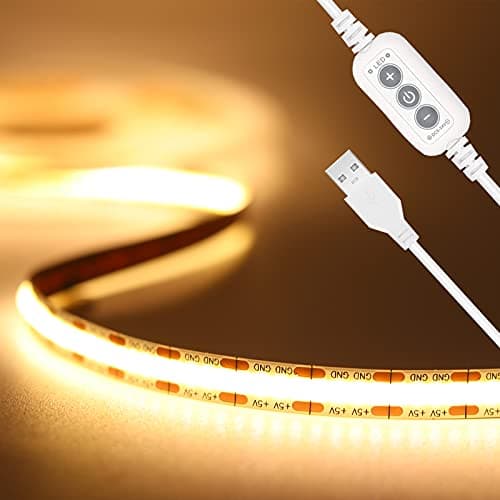
A clamp lamp takes a bit of desk edge. A monitor light bar takes a bit of bezel. An LED strip takes nothing at all — it sticks to the underside of a shelf or the back of a monitor and disappears. On a small desk that makes it the cheapest way to add light, and it does two quite different jobs depending on where you put it.
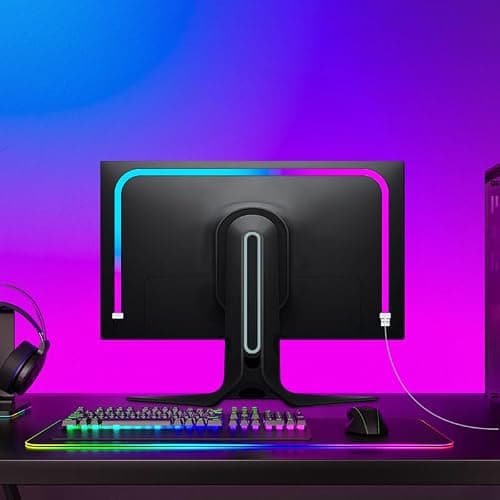
Under a shelf, a strip is task light: it puts illumination directly on the work area from above, without a lamp body anywhere. Behind a monitor, it is bias light: a soft glow on the wall behind the screen that reduces the contrast between a bright display and a dark room, which is the thing that makes evening screen work tiring.
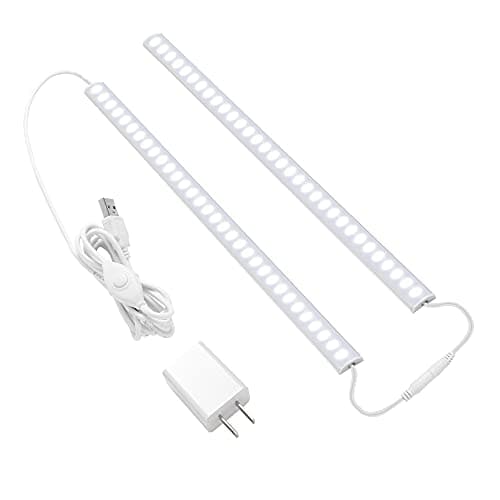
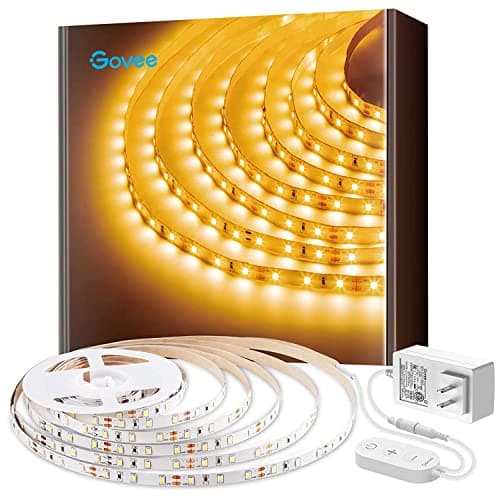
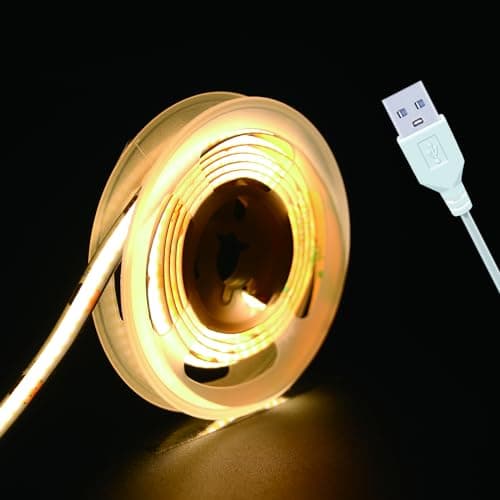
Our pick for most desks is the PAUTIX COB strip— a dotless COB format at 3000K with CRI>90 and a ten-level dimmer with memory, running off any USB port. The JUSJUBR bars are the pick for under a shelf, the Govee 16.4ft covers a long run, the RZJSKJZM backlight is the monitor-specific option, and the UVTaoYuan is the tiny, cheap one. Specs come from the manufacturer listings; the methodology explains the scoring.
Two jobs, two positions
| Where you put it | What it does | What to buy |
|---|
| Under a shelf, facing down | Task light on the work surface | Bright, high-CRI, dimmable (PAUTIX, JUSJUBR) |
| Behind the monitor, facing the wall | Bias light — eases screen-versus-room contrast | Monitor-length strip (RZJSKJZM) |
| Along the desk’s front edge | Accent only — looks good, does no work | Cheapest option (UVTaoYuan) |
Be clear which one you are solving. A strip behind the monitor will not help you read paperwork, and a strip under a shelf will not fix the eye strain of a bright screen in a dark room. Many small desks want both, and together they still cost less than one good lamp.
COB versus individual LEDs
Older strips space discrete diodes along the tape, which produces a visible row of dots and a spotted shadow. COB (chip-on-board) strips pack the emitters so densely that the output is a continuous line. On a desk, where the strip is often within a foot of your work and directly in your peripheral vision, that difference is very noticeable. Both strips we rank highest here are COB, and it is the first thing to look for.
Power: USB or mains
USB strips (PAUTIX, UVTaoYuan, RZJSKJZM) are the tidier choice on a small desk — they run from a port you already have, and if you plug them into the computer they switch on and off with it. Watch one requirement: 5V strips generally need a source that can supply 2A or more, and an underpowered port makes them flicker or cut out. Mains strips (JUSJUBR, Govee) give more light and need an outlet plus a control box in the run. Either way, run the lead with the rest of your cables rather than as an extra loose line — the method is in desk cable management.
Color temperature, and the evening problem
3000K warm white is comfortable in a room you also live in; 6000K cool white is alerting and good for focused daytime work but harsh at night. Strips are usually fixed at one temperature, so unlike an adjustable lamp you are choosing once. For a desk in a bedroom or studio, warm is the safer choice. For a dedicated work corner used in daylight hours, cool is fine. The reasoning is in our color temperature guide.
Adhesive, and making it stick
Strip lights fall down for one reason: they were stuck to a dusty or unfinished surface. Clean the mounting surface with isopropyl alcohol and let it dry, press the tape down firmly along its whole length, and give it an hour before you route the cable. On rough or unfinished wood, 3M tape will not hold at all — use the clips that come in the pack. All of this is fully reversible, which makes strips one of the most renter-friendly upgrades available; the rest are in renter-friendly desk setup.
Strip or light bar?
If your goal is light on the desk in front of a monitor, a monitor light bardoes it better — its asymmetric optic is designed to light the desk without glare on the screen, which a strip cannot do. A strip wins on price, on flexibility of placement, and for backlighting. We put the two head to head in LED strip vs monitor light bar.