HUB 05 · Small-Space Setups
Desk Thickness: What Will Clamp to Your Desk?
Monitor arms take roughly 0.4 to 3 inches. Trays, shelves and clamp strips are far fussier. Here is every published range we have, and how to measure your edge properly.
We earn a commission when you buy through our Amazon links, at no extra cost to you. It never affects our rankings, and we say so when the cheaper product is the better buy. How this works.
Almost everything this site recommends attaches to a desk by clamping to its edge, which makes desk-top thickness the most important measurement in a small-space setup and the one almost nobody takes. The good news is that the number is published on most listings. The bad news is that the ranges vary far more by product type than people expect: monitor arms are generous, keyboard trays and clamp shelves are not.
Take one measurement — the thickness of your desk at the edge where the clamp will sit, in inches, to two decimal places if you can — and this page will tell you what you can buy.
Published clamp ranges, by product
Every figure below is the range published on the manufacturer’s listing for a product we rank elsewhere on this site. Where a product publishes a separate grommet range, it is in brackets — grommet mounting usually accepts less thickness than clamping, which surprises people.
| Product | Type | Published clamp range |
|---|---|---|
| WALI adjustable laptop desk mount | Laptop arm | 0.4–4 in (grommet 0.4–2.2 in) |
| VIVO single ultrawide arm (STAND-V001) | Monitor arm | Up to 3.25 in |
| VIVO dual + laptop mount (STAND-V013L) | Dual arm | Up to 3.2 in (grommet up to 1.6 in) |
| Acer single monitor mount | Monitor arm | 0.59–3.15 in |
| HUANUO vertical dual mount | Stacked arm | Up to 3.14 in |
| HUANUO arm with laptop tray | Combo arm | 0.39–3.07 in (grommet 0.39–2.36 in) |
| ErGear single arm (13–36 in) | Monitor arm | 0.39–2.76 in |
| Ergotron HX heavy-duty arm | Monitor arm | 0.4–2.6 in |
| APPHOME foldable headphone clamp | Headphone hook | 5–50 mm (about 0.2–2 in) |
| ACOZVIN desk clamp power strip | Power strip | Up to 1.7 in |
| VIVO clamp-on keyboard tray (MOUNT-KB05E) | Keyboard tray | Up to 1.25 in |
| VIVO clamp-on 26 in monitor shelf | Clamp shelf | Up to 1.2 in |
The pattern is worth internalising: monitor arms clamp up to about 3 inches, while trays, shelves and clamp strips often stop between 1.2 and 1.7 inches. A chunky 1.5-inch desk top with a bullnose edge will take almost any arm and refuse the keyboard tray.
How to measure the edge properly
- Measure at the exact point the clamp will sit— usually the back edge for an arm, the front edge for a tray. Desks are not uniform.
- Include anything attached to the underside at that point: a frame rail, an apron, a reinforcing bar. The clamp has to close over the whole stack, not just the top.
- Check for a lip or a rounded profile. A clamp needs about an inch of flat contact top and bottom; a heavily rounded or tapered edge reduces the real contact area even if the thickness is in range.
- Measure the clearance behind the desk. A clamp needs a few inches to open and close, and a desk pushed hard against a wall usually cannot take a rear-edge clamp at all.
The four edge conditions that break a clamp
| Condition | Why it fails | What to do |
|---|---|---|
| Too thick (over ~3 in) | Clamp will not open far enough | Grommet mount if the desk has a hole; otherwise a wall mount |
| Too thin (under ~0.4 in) | Clamp cannot grip; glass tops crack | Add a hardwood packing block above and below |
| Frame rail or apron at the edge | Nothing flat for the lower jaw | Move the clamp along the edge to a clear span |
| Rounded or tapered edge | Contact area too small; the clamp rocks | Rubber shims, or clamp at a flatter section |
Glass, hollow-core and very thin tops
Three materials need care. Glasstops can take a clamp only if the manufacturer says so — point loading on glass is how glass breaks; use wide rubber pads and stay well within any published limit. Hollow-core and honeycomb tops (common on flat-pack desks) can crush under a clamp because there is nothing solid inside; spread the load with a hardwood plate. Thin tops under about half an inchflex, and a monitor arm at full reach makes that flex very obvious. In all three cases a plate of hardwood above and below the clamp point is the cheap fix that turns a marginal desk into a workable one — except on glass, where there is no fix and one desk maker says so in print. If you are shopping for the desk rather than the clamp, our glass desk roundup prices what a glass top costs you in clamp-on gear, and monitor arm alternatives covers the mounts that work on all three of these materials.
Clamp or grommet?
If your desk has a cable hole, a grommet mount is usually the stronger option: the load goes through a bolt in tension rather than a jaw in compression, and there is no risk of the clamp sliding. Two things to check first. Grommet ranges are often narrowerthan clamp ranges on the same product (see the table above), and the hole has to be in a useful place — a grommet in the middle of the desk puts the arm base where your keyboard goes. The full comparison is in clamp vs grommet monitor mount.
When nothing will clamp
Some desks simply cannot take a clamp: a floating wall-mounted top with no accessible underside, a desk with a full-width apron, a glass desk the maker will not vouch for. Two honest answers. Wall-mount the monitor instead — ranked in best wall-mount monitor arms, though it means anchors, so read what damage-free mounting can hold before you drill in a rental. Or use a free-standing riser, which lifts the screen without attaching to anything, at the cost of the desk depth it stands on — see best monitor risers.
Before you buy: the two-minute check
- Desk-top thickness at the clamp point, including any rail: ____ in
- Clearance behind the desk: ____ in (need at least 2–3)
- Edge profile: flat / rounded / tapered
- Grommet hole present and usefully placed: yes / no
- Monitor VESA pattern and weight, if buying an arm — see the fitment guide
With those five answers, every product on this site either fits or does not, and you will know which before it arrives. The wider arm fitment check is in will a monitor arm fit my desk, and the weight side of the question is in how much weight can a desk hold.
One question this table does not answer, and it is the one people ask most often: what a clamp inside the published range actually doesto a desk. The short version is nothing on solid wood, MDF or thick laminated board, and real damage on hollow-core and glass — with over-tightening as the most common cause of all. The detail, and the three mounts that leave no mark, are in will a monitor arm damage my desk. And if your top measures over about two and a half inches, the arms whose published clamp range actually clears it are ranked in monitor arms for thick desks.
Questions
Frequently asked
How thick can a desk be for a monitor arm?
What if my desk is too thick for the clamp?
Can you clamp a monitor arm to a glass desk?
Do clamps damage a desk?
How much space do I need behind the desk for a clamp?
Is a grommet mount stronger than a clamp?
Finish the setup
Under $40: the parts that finish a small desk
A desk is the expensive decision. These are the cheap ones that decide whether it actually works in a small room — each is the top pick from one of our own roundups, and each clamps, sticks or stands rather than needing a drill. Prices live as of October 21, 2026.

Monitor arm
Amazon Basics Single Monitor Arm (Gas Spring)
Clamps to the back edge and gives you back the whole footprint the monitor stand was standing on — the single biggest surface win on a narrow desk.
$27.29Amazon#ad · Our top pick in The Best Monitor Arms for a Small Desk
Power strip
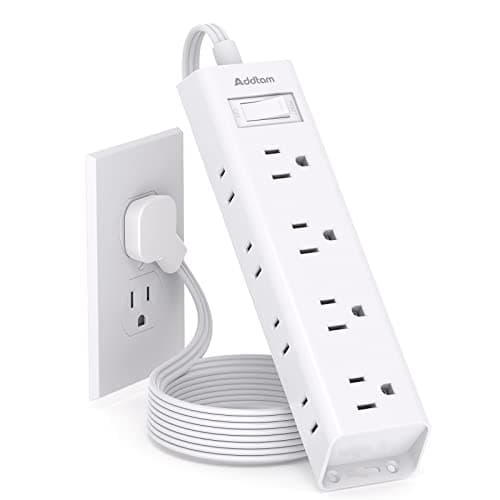
Addtam Flat-Plug Power Strip (12 outlets)
The flat plug is the point: a normal brick stops a desk sitting flush to the wall and costs you two inches of depth you do not have.
$9.98Amazon#ad · Our top pick in The Best Power Strips for a Desk
Bias lighting
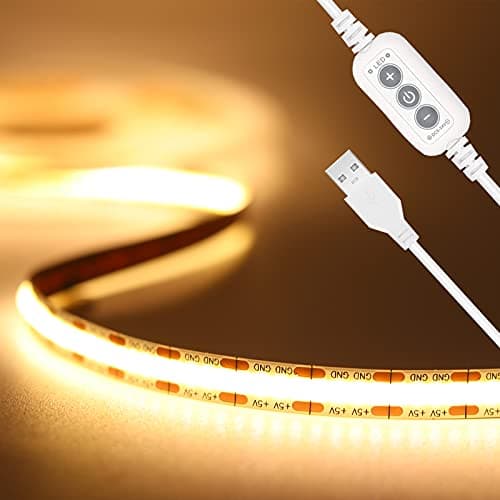
PAUTIX COB LED Strip (6.56ft, 3000K)
Sticks under a shelf or behind the monitor and lights the wall instead of the desk, so it takes no surface at all.
$9.19Amazon#ad · Our top pick in The Best LED Strip Lights for a Desk
Headphone mount
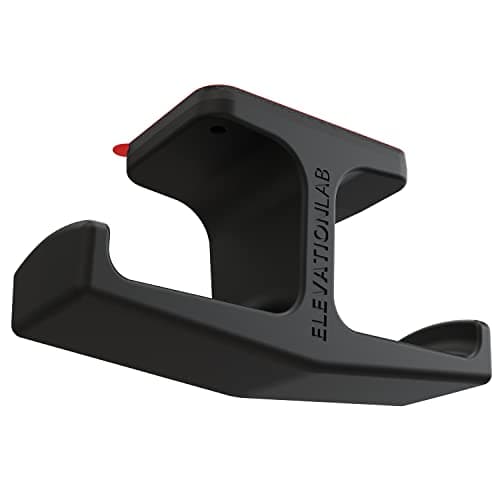
Elevation Lab The Anchor Under-Desk Headphone Mount
Adhesive, mounts under the desk, and clears the one bulky object that otherwise lives permanently on a small surface.
$11.99Amazon#ad · Our top pick in The Best Headphone Stands for Small Desks
Under-desk drawer
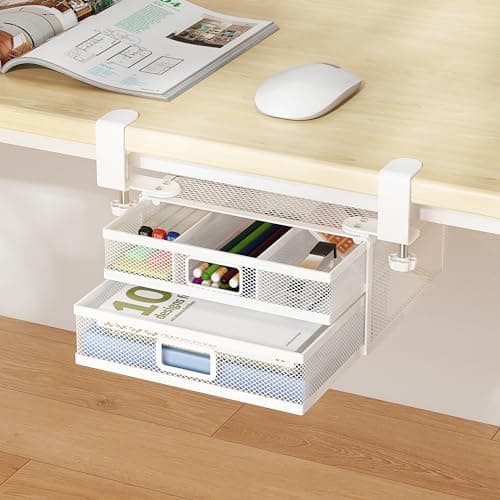
ROLIZOE 2-Drawer Clamp-On Under-Desk Organizer
Clamps on, adds storage in dead space beneath the top, and comes off without a mark when the lease ends.
$34.99Amazon#ad · Our top pick in The Best Under-Desk Storage for a Small Desk
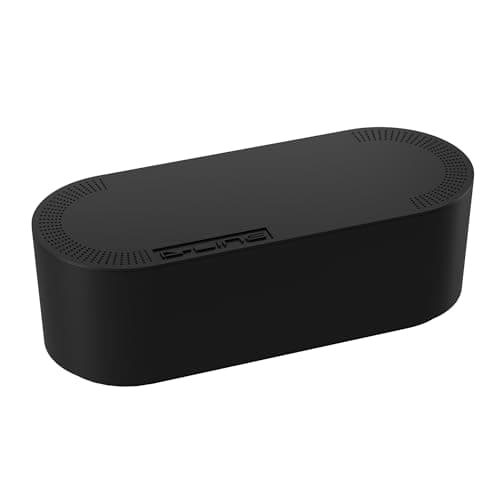
Cable box
D-Line Cable Management Box (Large)
Puts the strip and the wall-warts in one closed box so the floor under a desk in a studio does not read as a nest.
$27.99Amazon#ad · Our top pick in The Best Desk Cable Management for a Small Setup
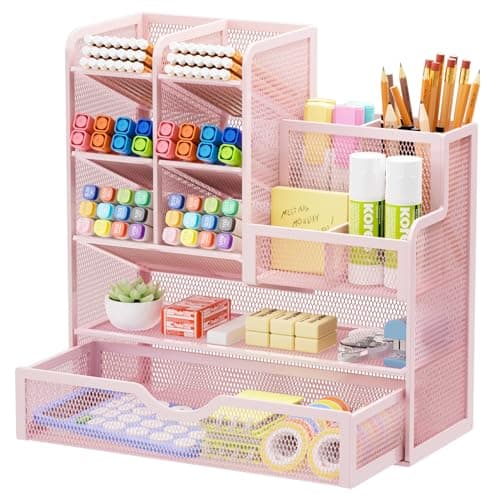
Desk organizer
Marbrasse Mesh Desk Organizer with Drawer
Goes vertical with the pens and notebooks that otherwise spread flat across the only surface you have.
$22.99Amazon#ad · Our top pick in The Best Desk Organizers for Small Desks
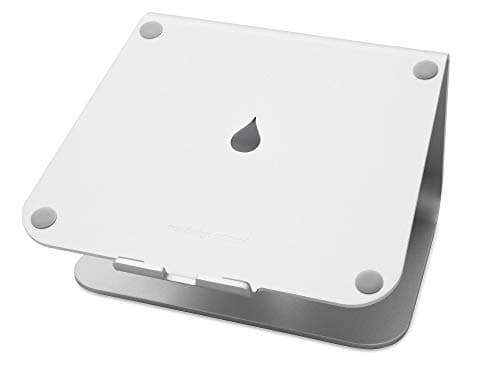
Laptop stand
Rain Design mStand Laptop Stand
Lifts the screen to eye level and opens the space underneath for a keyboard, which is how a 40-inch desk fits a full setup.
$39.90Amazon#ad · Our top pick in The Best Laptop Stands for a Small Desk
Keep reading
Related
- Will a monitor arm fit my desk?The full arm fitment check, including VESA.
- Will a monitor arm damage my desk?Which tops survive a clamp, and which do not.
- Clamp vs grommet monitor mountWhich mounting method to choose, and why.
- How much weight can a desk hold?The other half of the compatibility question.
- Desk upgrades under $50Everything on that list clamps — measure first.
- Best wall-mount monitor armsWhen the desk edge is a lost cause.
Receipts
Sources
- ErGear single monitor arm (13–36 in) — listing (published clamp range 0.39–2.76 in)
- Acer single monitor mount — listing (published clamp range 0.59–3.15 in)
- Ergotron HX heavy-duty monitor arm — listing (published clamp range 0.4–2.6 in)
- VIVO MOUNT-KB05E clamp-on keyboard tray — listing (fits desk tops up to 1.25 in)
- VIVO clamp-on 26 in monitor shelf — listing (two C-clamps, desks up to 1.2 in)
- ACOZVIN desk clamp power strip — listing (clamp fits tops up to 1.7 in)
- WALI adjustable laptop desk mount — listing (clamp 0.4–4 in, grommet 0.4–2.2 in)
We do not run a testing lab, and we do not pretend to. Specifications come from the manufacturer or retailer listing; the footprint and clearance math is ours and reproducible. Where we could not verify a number, we say so on the page rather than quietly leaving it out. Read our full method.