Skip to content
Desk & Dowel

HUB 04 · Space-Saving Accessories

The Best Under-Desk Keyboard Trays

Move the keyboard below the desk and a 40-inch top behaves like a 47-inch one. Four trays, with the desk measurements each one demands.

By Stephen V.Updated How we pick
#ad

We earn a commission when you buy through our Amazon links, at no extra cost to you. It never affects our rankings, and we say so when the cheaper product is the better buy. How this works.

A keyboard and mouse occupy roughly two square feetof desk — and they occupy the two square feet closest to you, which is the part of a small desk you most want for a notebook, a coffee or your forearms. An under-desk tray moves that whole zone below the top and slides it away when you are done, which is the cheapest way to make a 40-inch desk feel like a 47-inch one.

It also fixes a real ergonomic problem. Most desks are about 29–30 inches high, which is a table height, not a typing height — typing is comfortable when your forearms are level and your wrists are straight, and for most people that is 1–3 inches lower than the desktop. A tray hangs the keyboard at that height instead of asking your shoulders to come up to meet it.

The catch is fit, and it is a hard catch: every tray has a desk-thickness limit or needs a specific amount of clear underside, and desks with a crossbar under the front edge rule most of them out. Our pick, the VIVO MOUNT-KB05E, clamps on with no drilling but needs a top no thicker than 1.25 inches; the EUREKA is the one that fits desks with beams. Every limit below comes from the manufacturer listing.

The short answer

Quick picks

#ProductBest forScorePrice
01
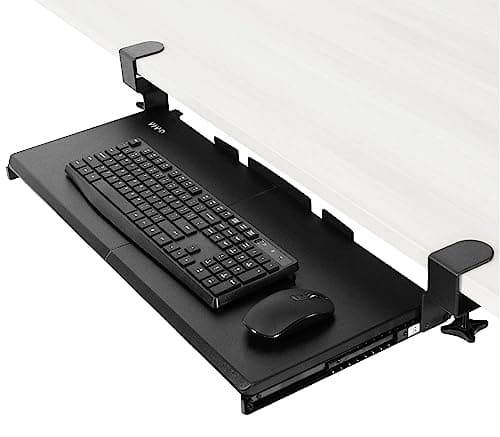
VIVO VIVO Clamp-On Keyboard Tray (MOUNT-KB05E)
VIVO Clamp-On Keyboard Tray (MOUNT-KB05E)

The best no-drill option: a 26.8 × 11-inch slide-out platform on two C-clamps, holding up to 11 lb and extending 8.5 inches from the desk edge, with no screws into your desk.

Best overall (no drilling)
8.3
$49.99Amazon
02
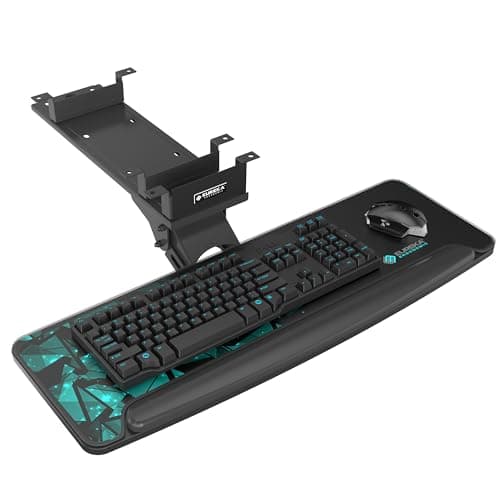
EUREKA ERGONOMIC EUREKA ERGONOMIC Under-Desk Keyboard Tray
EUREKA ERGONOMIC Under-Desk Keyboard Tray

The one that fits awkward desks: a 28.3 × 10.2-inch tray whose mechanism is designed to work on desks with beams, plus 360° swivel and 43° of tilt.

Best for desks with a crossbar
8.7
$119.99Amazon
03
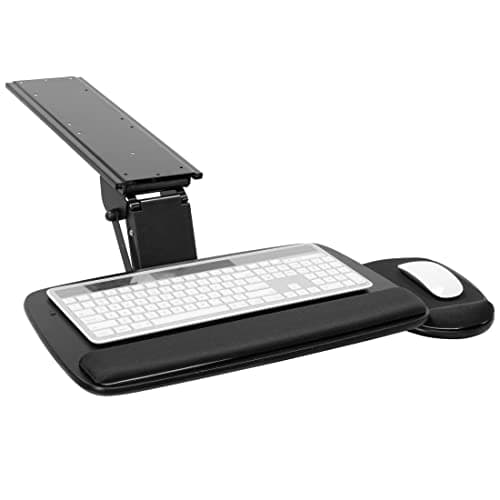
Mount-It! Mount-It! Slide-Out Keyboard Tray with Wrist Rest
Mount-It! Slide-Out Keyboard Tray with Wrist Rest

The ergonomic-extras pick: 5.5 inches of height adjustment, +20°/−25° tilt, a gel wrist rest and a 7 × 9.25-inch mouse platform that mounts on either side.

Best ergonomic extras
8.4
$102.99Amazon
04
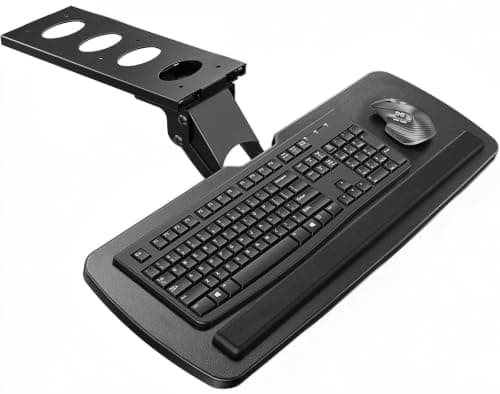
HUANUO HUANUO Under-Desk Keyboard Tray
HUANUO Under-Desk Keyboard Tray

The value pick with the widest movement: a 25 × 9.84-inch platform that swivels 180°, tilts 6° up and 22° down, and adjusts through 6.3 inches of height.

Best value
8.6
$69.99Amazon

#ad · Live prices from the Amazon Product API, as of Aug 11, 2026. Where we have no verified live price we show none — we would rather leave a gap than print a number that has rotted.

In detail

The picks, in full

01
VIVO VIVO Clamp-On Keyboard Tray (MOUNT-KB05E)

Best overall (no drilling)

VIVO Clamp-On Keyboard Tray (MOUNT-KB05E)

Tray size
26.8 × 11 in (32.5 in with clamps)
Slide travel
8.5 in from the edge
Capacity
Up to 11 lb
Desk thickness
1.25 in maximum
Mount
Two C-clamps, no drilling
8.3/10

The best no-drill option: a 26.8 × 11-inch slide-out platform on two C-clamps, holding up to 11 lb and extending 8.5 inches from the desk edge, with no screws into your desk.

Desk freed
9.2
Fit flexibility
7.4
Adjustment
7.6
Build
8.4
Value
9

Pros

  • Clamps on — nothing screwed into the desk, so rentals are fine
  • Takes a full-size keyboard and a mouse side by side
  • Slides fully away when you want the surface back
  • Removable in minutes when you move

Cons

  • Needs 32.5 inches of clear desk width for the clamps
  • Hard limit of 1.25 inches desk thickness

Skip this if…

your desk top is thicker than 1.25 inches or narrower than about 33 inches. The clamps simply will not fit — measure both before ordering.

$49.99View on Amazon

Price as of Aug 11, 2026. Prices change — Amazon's is the one that counts.

#ad · we may earn a commission from this link to VIVO Clamp-On Keyboard Tray (MOUNT-KB05E)

02
EUREKA ERGONOMIC EUREKA ERGONOMIC Under-Desk Keyboard Tray

Best for desks with a crossbar

EUREKA ERGONOMIC Under-Desk Keyboard Tray

Tray size
28.3 × 10.2 in
Swivel
360° horizontal
Tilt
Up to 43°
Fits desks
Including desks with beams
Surfaces
Wood, MDF and similar
8.7/10

The one that fits awkward desks: a 28.3 × 10.2-inch tray whose mechanism is designed to work on desks with beams, plus 360° swivel and 43° of tilt.

Desk freed
9.4
Fit flexibility
9.2
Adjustment
9
Build
8.6
Value
7.4

Pros

  • Works where a plain slide rail cannot — desks with front crossbars
  • Largest tray here at 28.3 inches wide
  • Wrist lip stops the keyboard sliding when tilted
  • Height-adjustable as well as tilting

Cons

  • Most expensive tray in this roundup
  • Mounting hardware means screws into the underside

Skip this if…

you cannot put screws into the desk (a rental desk that is not yours, or a glass top). Take the clamp-on VIVO instead.

$119.99View on Amazon

Price as of Aug 11, 2026. Prices change — Amazon's is the one that counts.

#ad · we may earn a commission from this link to EUREKA ERGONOMIC Under-Desk Keyboard Tray

03
Mount-It! Mount-It! Slide-Out Keyboard Tray with Wrist Rest

Best ergonomic extras

Mount-It! Slide-Out Keyboard Tray with Wrist Rest

Height adjust
Up to 5.5 in
Tilt
+20° to −25°
Slide travel
15 in
Capacity
12 lb, steel track
Desk needs
Wood/MDF, 18 in depth, 5.5 in clear
8.4/10

The ergonomic-extras pick: 5.5 inches of height adjustment, +20°/−25° tilt, a gel wrist rest and a 7 × 9.25-inch mouse platform that mounts on either side.

Desk freed
9.2
Fit flexibility
6.8
Adjustment
9.4
Build
8.8
Value
7.6

Pros

  • Gel wrist rest and a separate mouse platform included
  • Mouse platform mounts left or right for either hand
  • 15 inches of slide travel — it disappears completely
  • Steel track rated to 12 lb, the highest here

Cons

  • Wood or MDF desks only — not glass, metal or crossbar desks
  • Requires 18 inches of desk depth to mount properly

Skip this if…

your desk is shallower than 18 inches or has a metal or glass top. The manufacturer is explicit about it, and the mount needs solid material to screw into.

$102.99View on Amazon

Price as of Aug 11, 2026. Prices change — Amazon's is the one that counts.

#ad · we may earn a commission from this link to Mount-It! Slide-Out Keyboard Tray with Wrist Rest

04
HUANUO HUANUO Under-Desk Keyboard Tray

Best value

HUANUO Under-Desk Keyboard Tray

Tray size
25 × 9.84 in
Swivel
180° left/right
Tilt
6° up, 22° down
Height adjust
6.3 in
Clearance needed
14.17 in from edge to crossbar
8.6/10

The value pick with the widest movement: a 25 × 9.84-inch platform that swivels 180°, tilts 6° up and 22° down, and adjusts through 6.3 inches of height.

Desk freed
8.8
Fit flexibility
7.6
Adjustment
9.2
Build
8
Value
9.2

Pros

  • 6.3 inches of height adjustment — the most in this roundup
  • Negative tilt down to 22°, which is what wrists actually want
  • Swivels out of the way rather than only sliding
  • Cheapest full-featured tray here

Cons

  • 25-inch tray is the narrowest; a full keyboard plus mouse is tight
  • Needs no crossbar, or 14.17 inches of clearance to it

Skip this if…

you use a full-size keyboard with a number pad and a mousepad. At 25 × 9.84 inches you will run out of room — the EUREKA or VIVO trays are wider.

$69.99View on Amazon

$89.9922% off

Price as of Aug 11, 2026. Prices change — Amazon's is the one that counts.

#ad · we may earn a commission from this link to HUANUO Under-Desk Keyboard Tray

Take three measurements before you shop

Almost every bad review of a keyboard tray is a fit problem, and all three measurements take a minute. One: desk thicknessat the front edge — clamp trays cap out (1.25 inches on the VIVO). Two: clear underside width— the VIVO needs 32.5 inches for its clamps, the Mount-It needs 5.5 inches of clear mounting strip. Three: distance from the front edge to any crossbar— HUANUO wants no crossbar or 14.17 inches of clearance; EUREKA is the one designed to cope with beams. Write those three numbers down, then compare listings.

Clamp or screw?

A clamp-ontray puts nothing into the desk, which matters if the desk is rented, borrowed or expensive — and it comes off in minutes when you move. The trade is the thickness limit and needing clear space for two clamps. A screw-mounted tray is more solid, adjusts further and takes more weight, but it needs a wood or MDF underside and it leaves holes. On a cheap particleboard desk that is nothing to worry about; on a solid wood desk you might prefer the clamps.

Set the height by your elbows, not the desk

The point of the tray is to put the keyboard where your arms already are. Sit upright with your shoulders relaxed and your upper arms vertical; the height of your hands in that position is where the keyboard should be. For most people that lands 1–3 inches below a standard 29–30 inch desktop, and slightly negatively tilted— the far edge higher than the near edge — which is why the HUANUO’s 22 degrees of downward tilt and the Mount-It’s −25 degrees matter more than their upward tilt.

What this does to a small desk

Combine a keyboard tray with a monitor on an arm and a small desk becomes a genuinely clear surface: no keyboard, no mouse, no monitor base. On a 40-inch desk that is the difference between working on a corner of it and using all of it. If your desk is too shallow or too thick for a tray, the next-best moves are a riser with a keyboard slot underneath or an under-desk drawer to at least get the keyboard out of sight when you finish for the day.
How we picked

We do not run a testing lab

We compiled the published manufacturer specifications, did the footprint and clearance math ourselves, and read aggregated owner reviews, then scored each product against a published rubric. The scores are judgments from documented research — they are not measurements we took, because we do not have a lab and we are not going to pretend we do. Every spec traces back to a listing or manual named in Sources.

Questions

Frequently asked

Do under-desk keyboard trays work on any desk?
No — fit is the main failure point. Clamp models cap desk thickness (1.25 inches on the VIVO here), screw-mount models need a wood or MDF underside, and desks with a front crossbar rule out most trays except those designed for beams, like the EUREKA. Measure thickness, clear width and crossbar distance first.
Can you fit a keyboard tray without drilling?
Yes — the VIVO MOUNT-KB05E uses two C-clamps and no screws, which is the right choice for a rented or borrowed desk. See our renter-friendly setup guide for the other no-drill upgrades.
How much desk space does a keyboard tray free up?
Roughly two square feet — the keyboard and mouse zone, which on a small desk is the most valuable part of the surface. Paired with a monitor arm, it clears the desk almost entirely.
Is a keyboard tray better for your wrists?
It can be, because it lets you set the keyboard 1–3 inches below a standard desktop and tilt it slightly away from you, which keeps your wrists straighter. A tray fixed at desk height with no tilt gains you space but not much ergonomics — check the height and negative-tilt figures before buying.

Keep reading

Receipts

Sources

We do not run a testing lab, and we do not pretend to. Specifications come from the manufacturer or retailer listing; the footprint and clearance math is ours and reproducible. Where we could not verify a number, we say so on the page rather than quietly leaving it out. Read our full method.