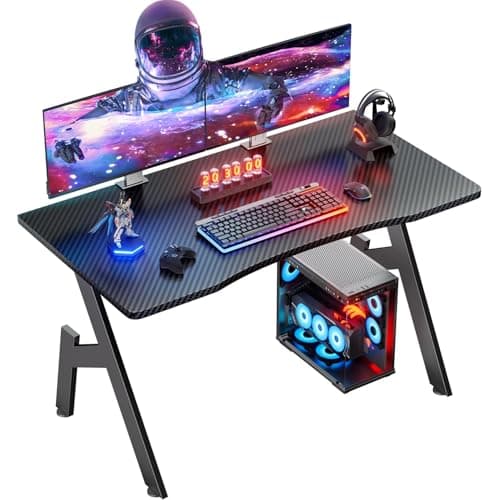
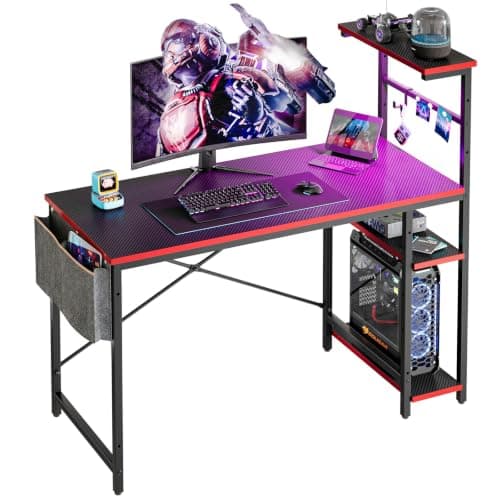
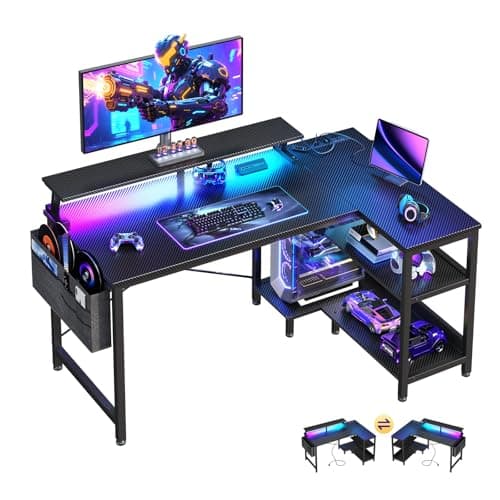
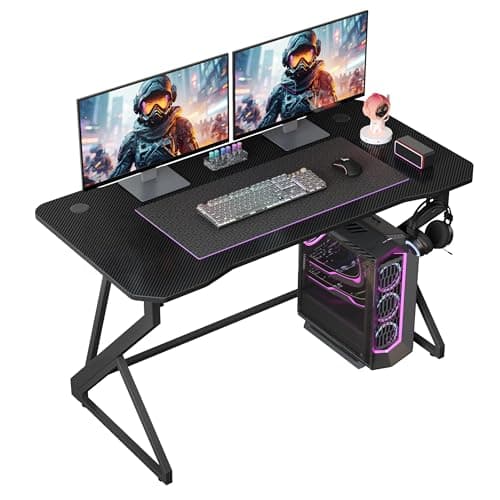
Shop “gaming desk” and the category answers with a 47-inch top, then a 48-inch one, then an L-shape that wants two walls. That sizing is not an accident — the product photography is shot in a spare room with space to spare. If your setup lives along one wall of a bedroom, a dorm room or a studio, the first thing you have to do is ignore what this category thinks small means.
So this page starts from the wall, not from the desk. Every pick below is measured, its floor area calculated from the published width and depth, and ranked on that first. The five run from 32 to 44 inches wide and from 4.4 to 7.6 square feet of claimed floor, which means the largest desk here takes nearly three-quarters more room than the smallest for the same basic job. That spread is the whole decision, and no gaming desk listing leads with it.
What separates a gaming desk from a desk
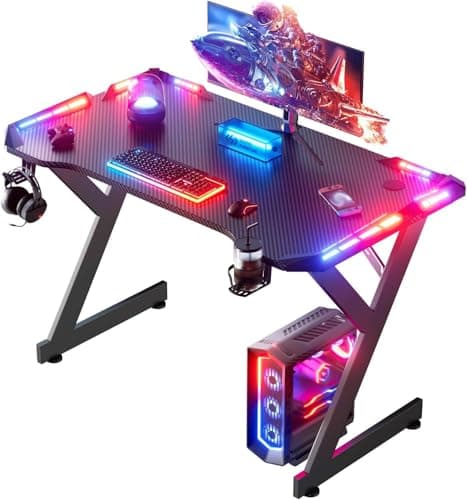
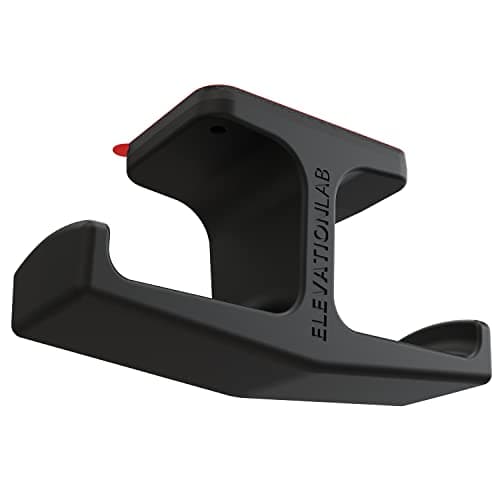
Honestly, less than the price difference suggests. What you are paying for is a steel frame instead of four screwed-on legs, a scratch- and moisture-resistant textured top that a mouse tracks on, a headphone hook and cup holder so those two objects stop eating desktop, cable grommets or a tray so the cables leave the surface somewhere sensible, and increasingly a light strip and a built-in power block. In a small room the middle three matter far more than the lighting: on a 32-inch top, a mug and a headset are the difference between having room for a keyboard and not.
What you are usually not paying for is a published weight rating. Two of the five desks below state one, three do not, and the one that stays quietest about it is the most expensive desk on the page. If you are putting a tower, a monitor or two and a mechanical keyboard on a 20-pound flat-pack desk, that number is the most useful thing a listing can tell you, and its absence is worth knowing before you buy rather than after.
How we ranked them
Footprint first, published specifications second, extras last. Our pick is the HLDIRECT 40-inch desk: 40 by 19.7 inches, a published 200-pound load rating and the shallowest top here, which is what keeps a desk out of the walkway in a narrow room. The HLDIRECT 32-inch is the same frame cut down for a wall that will not take 40 inches. The Bestier 44-inch adds a four-tier shelf tower without adding any depth. The ODK 40-inch L is the corner option and the only one with mains outlets built in. The Grandder 40-inch is the deep one, with the only top here that takes a monitor on its own stand. Prices are live from Amazon, and our methodology is explicit that these scores are judgements from published specifications and owner feedback, not lab tests.
The floor each one actually claims
Width is the number every gaming desk listing leads with, and it is half the calculation. Depth is what a small room feels, because depth is what pushes the chair into the walkway. Here are the same five desks expressed as area, calculated from their published dimensions:
| Desk | Published size (W × D) | Floor claimed | Format |
|---|
| HLDIRECT 32 in | 32 × 19.7 in | ~4.4 sq ft | Straight |
| HLDIRECT 40 in | 40 × 19.7 in | ~5.5 sq ft | Straight |
| Bestier 44 in | 44.3 × 19.7 in | ~6.1 sq ft | Straight + shelf tower |
| Grandder 40 in | 40 × 23.6 in | ~6.6 sq ft | Straight |
| ODK 40 in L | 39.9 × 27.5 in | ~7.6 sq ft | L-shape |
Two things fall out of that table. The first is that the L-shape and the deep 40-inch desk are the two biggest claims on the floor, and they get there by very different routes: one spreads sideways into a corner, the other pushes 3.9 inches further into the room along its entire length. In a bedroom you walk past, the second is the worse deal per square foot gained. The second is that stepping from the 32-inch desk up to the L costs about 3.2 square feet, which in a 10 by 10 foot room is roughly 3 percent of the whole floor for one piece of furniture.
Work out your width from the gear, not the room
Measure the wall run, then check the desk against what goes on it, because those two numbers rarely agree. A 24-inch monitor is about 21 inches wide. A full-size keyboard is 17 to 18 inches, and a mouse wants 8 to 10 inches of sweep beside it at low sensitivity. Set those side by side and a 32-inch top is already fully committed. Running the monitor on an arm instead of its stand gives you the depth back, but the width is still spoken for — which is the argument for a compact keyboard on the narrowest desks.
Forty inches is where a gaming setup starts to breathe: monitor, keyboard, mouse sweep and somewhere to put a drink that is not in front of the screen. Forty-four is comfortable. Beyond that you are buying room for a second monitor, which is a different question, answered in small desks for dual monitors and in the guide to fitting two monitors on a small desk.
Depth decides whether the monitor can stay on its stand
Three of these desks are 19.7 inches deep, one is 23.6, and that gap is the most consequential spec on the page. A monitor stand wants 8 to 10 inches of depth for its base, and you want the screen roughly an arm’s length from your eyes. On a 19.7-inch top, a monitor on its own foot sits too close and takes the space the keyboard needed.
The fix is a clamp-on monitor arm, which is also why the 1-inch top thickness on the HLDIRECT desks matters: that is inside the range a standard clamp closes onto. Before you order one, check the desk edge against the arm using our guide to whether a monitor arm will fit your desk, and if the top has no clampable overhang, the clamp versus grommet comparison covers the other mounting route. The arms themselves are ranked in our monitor arm roundup. On a small gaming desk an arm is not an accessory, it is what makes the desk usable.
Where the tower goes
A gaming desk has a problem a writing desk does not: there is a large box that has to live somewhere, and on a compact desk it cannot live on the top. Some of the picks here include a shelf or a compartment sized for it. The plain desks do not, which means the tower goes on the floor, where it collects dust and carpet fluff and gets kicked.
The alternative is to hang it under the desk. That keeps the intake off the carpet and frees the floor for the chair, and it is cheap — see under-desk CPU holders. Check the published load rating before you do it on a light flat-pack desk: adding 25 to 35 pounds of tower to an 80-pound rating is a larger share of the budget than it sounds.
Load ratings, and who bothers to publish one
Of the five, the two HLDIRECT desks publish 200 pounds, the Grandder publishes a 90 kg static load (about 198 pounds) and the Bestier publishes 80. The ODK publishes nothing, and it is the most expensive desk here. Silence is the category norm rather than an outlier, but it matters more on a gaming desk than on a writing desk, because the load is real: a mid-tower is 25 to 35 pounds before you add a monitor or two, a mechanical keyboard and everything else.
A published number is not a test result, and we have not loaded these desks up. It is evidence that the manufacturer engineered to a figure rather than to a photograph. Where no figure exists, keep the heavy things low and near the legs rather than centered on an unsupported span — and if the desk arrives with a wobble, the causes and the fixes are in how to stop a desk from wobbling.
Light strips in a room you sleep in
Three of these five have an LED or RGB strip. In a dedicated games room that is free atmosphere. In a bedroom or a studio it is a light source a few feet from your pillow, and the color that makes a setup look good on camera is the color that keeps you awake: saturated blue-white late at night is working against you.
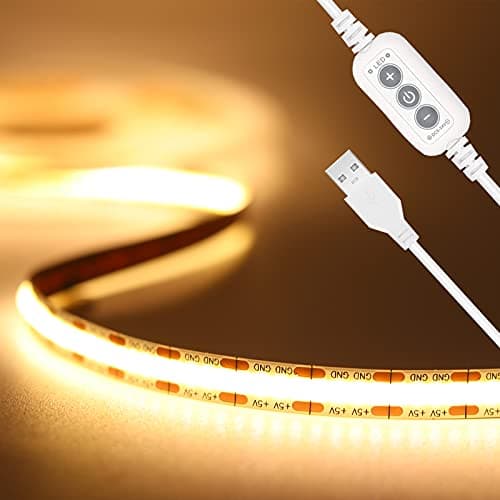
Treat the strip as decoration and light the work separately. What actually reduces eye strain is contrast control — a lit wall behind the screen rather than a dark one, and a task light that does not glare off the panel. A monitor light bar does that in zero desk footprint, which on a 32-inch top is the entire argument, and desk lamp color temperature explains which white to run in the evening. If you want the glow as well, put an LED strip behind the monitor rather than facing the room.
Carbon fiber texture is a finish, not a material
Every desk on this page is described as having a carbon-fiber surface. None of them is made of carbon fiber. It is a textured laminate or vinyl over MDF, engineered wood or FSC-certified board, and what it buys you is a slightly grippier, scratch- and moisture-resistant top that a mouse tracks on reasonably well without a pad. That is worth having and it is not worth paying a premium for. Judge the desk on its frame, its dimensions and its published rating, and treat the texture as a color option.
Cables and power, the small-room tax
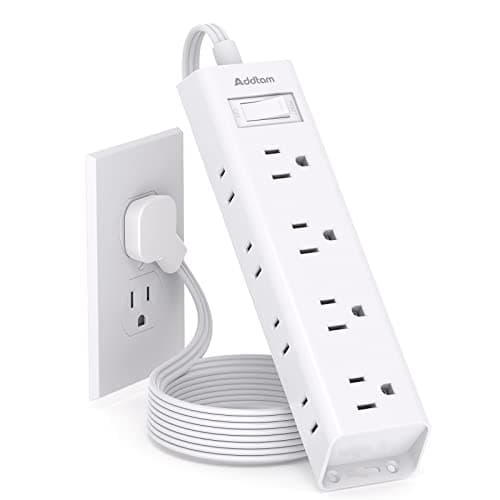
A gaming setup has more plugs than a laptop setup: tower, one or two monitors, a light strip, a charger, speakers or an amp. In a rented room the socket is rarely behind the desk, so either a strip crosses the floor or the desk brings the power to you. The ODK builds in three outlets and two USB ports for exactly that reason, and that is the strongest practical argument for it over the cheaper straight desks.
If your desk has no outlets, the tidy version is a strip mounted tothe desk rather than lying under it — our desk power strips roundup covers the mountable ones, and desk cable management covers getting the rest of it off the floor. Desks with an outlet built into the frame are collected in small desks with power outlets.
Do you need a gaming desk at all?
Sometimes the honest answer is no. If your setup is a laptop and a monitor, a plain compact desk from our small desks roundup or from small desks under $100 does the same job, often for less, and looks like furniture in a room you also sleep in. What a gaming desk adds is a steel frame under a heavier load, a top surface built for a mouse, and the hooks and grommets that stop peripherals eating the surface.
The other case for one is a shared room, where a desk that reads as a games rig is a decision rather than a detail. Several of these come in plain black without red trim for that reason. If the room is your bedroom, our desks for small bedrooms page approaches the same problem from the furniture side, and the dorm desk setup guide covers the version where you cannot drill anything at all.
Whichever desk you land on, the setup on top of it is where most of the comfort comes from, and it is not the same setup an office desk wants: gaming desk ergonomicscovers the three places a gaming rig breaks the standard rules — a mouse that needs horizontal travel, a screen scanned edge to edge rather than read in the middle, and a session nothing interrupts — starting with the keyboard, which on a 40-inch top is what is actually in your way.