HUB 05 · Small-Space Setups
How Much Weight Can a Desk Hold?
Published ratings run from 80 to 265 pounds — but the rating assumes weight spread across the top, and a monitor arm is the opposite of that.
We earn a commission when you buy through our Amazon links, at no extra cost to you. It never affects our rankings, and we say so when the cheaper product is the better buy. How this works.
Two questions hide inside this one. How much can the top hold?is answered by the published load rating, and the answer is usually reassuring — the desks we rank publish anywhere from 80 to 265 pounds. Will it take a monitor arm? is a different question entirely, because an arm does not load a desk the way a pile of books does. It hangs a weight off one edge, on a lever, and the failure that follows is flex and sag rather than collapse.
Published load ratings, across the desks we rank
| Desk | Type | Published rating |
|---|---|---|
| DUMOS 40 in small computer desk | Fixed, steel frame | 265 lb |
| VIVO electric corner standing frame (DESK-E347B) | Sit-stand frame | 225 lb |
| Need 47.2 in folding desk | Folding | 220 lb |
| HLDIRECT 32 in / 40 in gaming desks | Fixed | 200 lb |
| Henstatech 47 in L-shaped standing desk | Sit-stand | 198 lb |
| FLEXISPOT EN1 / FEZIBO 40 in / SHW 55 in L | Sit-stand | 176 lb |
| OffiGo 55 in L-shaped standing desk | Sit-stand | 154 lb |
| VASAGLE 47.2 in / Yaheetech desk | Fixed | 110 lb |
| Dogsky 24 × 14 in floating wall desk | Wall-mounted | 100 lb |
| Bestier 44 in gaming desk | Fixed | 80 lb |
| C-tables and overbed tables | Cantilever | 22–50 lb |
Two things stand out. First, the range is enormous — a factor of three between two desks that look similar in photographs, which is why the rating is worth looking up rather than assuming. Second, the low numbers are on the formats you would expect: wall-mounted tops, C-tables and anything cantilevered off a single support.
What the rating actually means
A published load rating is a static, evenly distributed figure: weight spread across the top, not moving, in the position the manufacturer tested. It is not a promise about a point load in the middle of an unsupported span, it does not cover someone sitting on the desk, and it says nothing about leaning on the edge. Treat it as a ceiling with a wide safety margin below it, not a target.
Why a monitor arm is a different problem
A 15-pound monitor on an arm extended 15 inches from the clamp is not 15 pounds on the desk. It is 15 pounds acting through a lever, and the clamp converts that into a downward force at the jaw and an upward pull just behind it. The desk feels it as a twisting load at one point on the edge, which is exactly the load a thin or hollow-core top is worst at resisting. This is why a desk with a 200-pound rating can still visibly dip when you push a monitor to full reach.
Four things reduce it, all free:
- Clamp near a leg, not in the middle of an unsupported span. The closer to a support, the less the top can flex.
- Keep the screen closer. Half the reach is roughly half the leverage.
- Use a packing plate. A piece of hardwood above and below the clamp point spreads the load across a much larger area of the top.
- Check the arm’s own limit. Budget arms typically stop at 17.6 to 22 lb; the numbers are in how much weight a monitor arm can hold.
Under-desk loads: CPU holders and trays
Things hung underneath have their own published ratings, and they are lower than people assume: the under-desk CPU mounts we rank publish 22 lb (Mount-It! bracket, Desky sliding mount), 44 lb (VIVO strap mount) and 66 lb (VIVO heavy-duty), and clamp-on keyboard trays are typically rated around 11 lb. A mid-tower PC can weigh 25 to 40 pounds, so this is a specification to actually check rather than eyeball — see best under-desk CPU holders.
Wall-mounted and floating desks
A floating desk’s published rating — 100 lb on the Dogsky, for example — assumes it is mounted the way the manual says, which means into studs or with the specified anchors. Mounted into drywall alone, the rating means nothing: the failure will be the fixing, not the desk. Find the studs, use the hardware supplied, and if you are renting, understand that this is a hole-making project with a patching bill at move-out. The reversible alternatives are in what damage-free mounting can actually hold — and the short version is that no adhesive product holds a desk.
Signs your desk is over its limit
- A visible dip in the top between the legs, worst under the monitor.
- The monitor bounces when you type — flex in the top, not the arm.
- Creaking from the frame when you lean on the edge.
- The clamp needs retightening every few weeks: the top is compressing under it.
- Screw holes in the frame elongating — the point at which to stop loading it.
Most of these read as wobble rather than as an overload, and most are fixable without a new desk. The diagnosis is in how to stop a desk from wobbling.
What to buy if you need a desk to carry real weight
Look for a steel frame with a crossbar, a published rating over about 150 pounds, and a top at least three quarters of an inch thick with a solid core. Among the desks we rank, the steel-framed fixed desks publish the highest numbers, sit-stand frames cluster around 176 pounds, and folding and wall-mounted formats sit lowest. Start at best small desks, and if a heavy 32-inch monitor is the reason you are asking, read best monitor arms for 32-inch monitors before choosing either.
Questions
Frequently asked
How much weight can a typical desk hold?
Will my desk take a monitor arm?
Why does my monitor bounce when I type?
How much weight can a floating or wall-mounted desk hold?
Can a desk hold a desktop PC under it?
Is a thicker desk top always stronger?
Finish the setup
Under $40: the parts that finish a small desk
A desk is the expensive decision. These are the cheap ones that decide whether it actually works in a small room — each is the top pick from one of our own roundups, and each clamps, sticks or stands rather than needing a drill. Prices live as of October 21, 2026.

Monitor arm
Amazon Basics Single Monitor Arm (Gas Spring)
Clamps to the back edge and gives you back the whole footprint the monitor stand was standing on — the single biggest surface win on a narrow desk.
$27.29Amazon#ad · Our top pick in The Best Monitor Arms for a Small Desk
Power strip
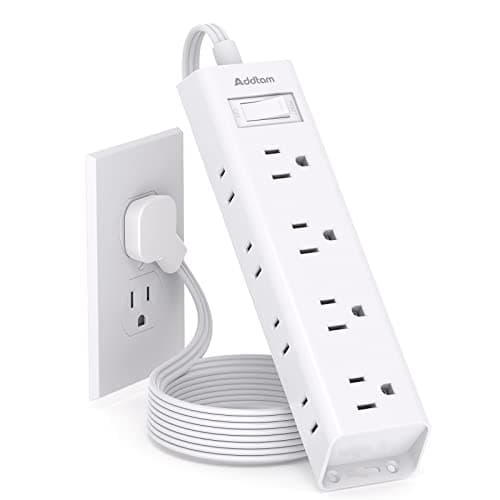
Addtam Flat-Plug Power Strip (12 outlets)
The flat plug is the point: a normal brick stops a desk sitting flush to the wall and costs you two inches of depth you do not have.
$9.98Amazon#ad · Our top pick in The Best Power Strips for a Desk
Bias lighting
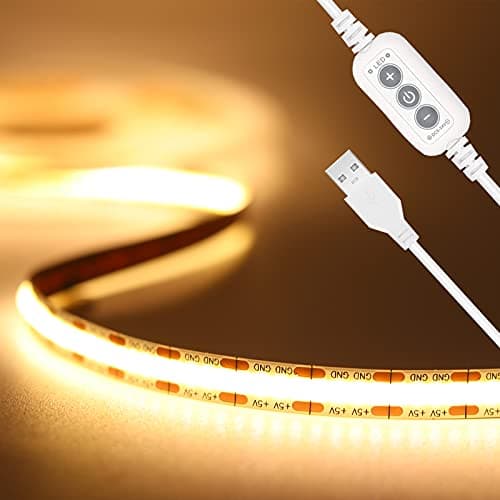
PAUTIX COB LED Strip (6.56ft, 3000K)
Sticks under a shelf or behind the monitor and lights the wall instead of the desk, so it takes no surface at all.
$9.19Amazon#ad · Our top pick in The Best LED Strip Lights for a Desk
Headphone mount
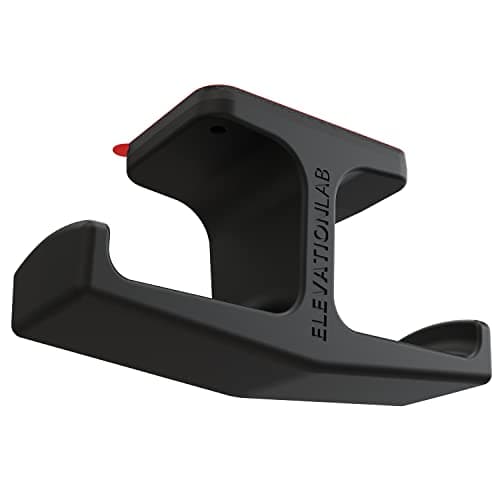
Elevation Lab The Anchor Under-Desk Headphone Mount
Adhesive, mounts under the desk, and clears the one bulky object that otherwise lives permanently on a small surface.
$11.99Amazon#ad · Our top pick in The Best Headphone Stands for Small Desks
Under-desk drawer
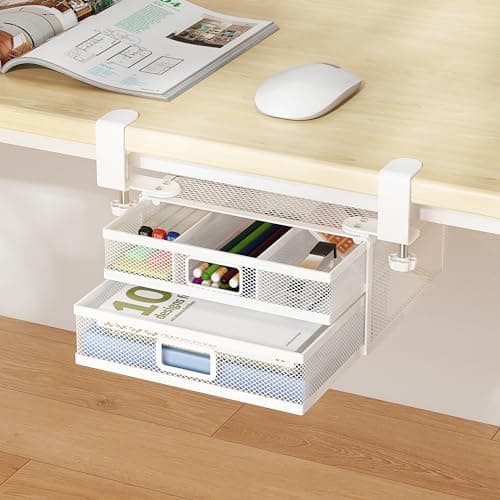
ROLIZOE 2-Drawer Clamp-On Under-Desk Organizer
Clamps on, adds storage in dead space beneath the top, and comes off without a mark when the lease ends.
$34.99Amazon#ad · Our top pick in The Best Under-Desk Storage for a Small Desk
Cable box
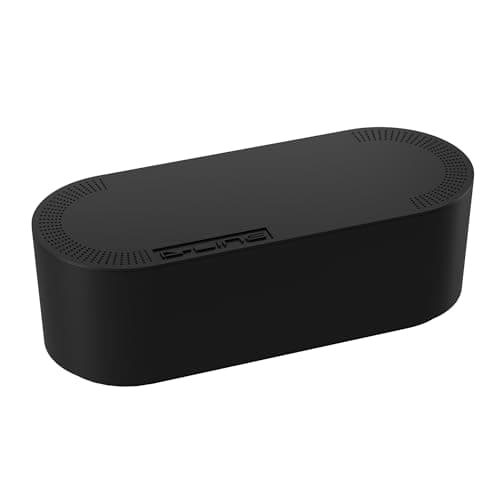
D-Line Cable Management Box (Large)
Puts the strip and the wall-warts in one closed box so the floor under a desk in a studio does not read as a nest.
$27.99Amazon#ad · Our top pick in The Best Desk Cable Management for a Small Setup

Desk organizer
Marbrasse Mesh Desk Organizer with Drawer
Goes vertical with the pens and notebooks that otherwise spread flat across the only surface you have.
$22.99Amazon#ad · Our top pick in The Best Desk Organizers for Small Desks
Laptop stand
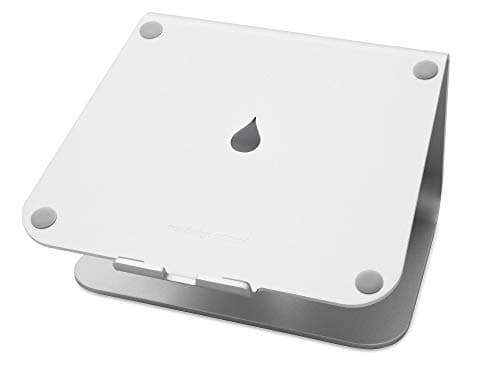
Rain Design mStand Laptop Stand
Lifts the screen to eye level and opens the space underneath for a keyboard, which is how a 40-inch desk fits a full setup.
$39.90Amazon#ad · Our top pick in The Best Laptop Stands for a Small Desk
Keep reading
Related
- Desk thickness: what will clamp onThe fit half of the same question.
- How much weight can a monitor arm hold?The arm's own limit, which is usually lower.
- How to stop a desk wobblingMost overload symptoms present as wobble.
- Best under-desk CPU holdersPublished limits for anything hung underneath.
- Best small desksWhere the load ratings in the table come from.
Receipts
Sources
- DUMOS 40 in small computer desk — listing (265 lb load rating, steel X-brace frame)
- FEZIBO 40 × 24 in electric standing desk — listing (176 lb load rating, 28.3–46.5 in height range)
- VASAGLE 47.2 in computer desk — listing (110 lb published top load rating)
- Dogsky 24 × 14 in floating wall desk — listing (100 lb published load rating, 1.2 in solid pine top)
- VIVO heavy-duty under-desk PC mount (MOUNT-PC04B) — listing (66 lb load rating)
- Mount-It! CPU under-desk mount bracket — listing (22 lb load rating)
We do not run a testing lab, and we do not pretend to. Specifications come from the manufacturer or retailer listing; the footprint and clearance math is ours and reproducible. Where we could not verify a number, we say so on the page rather than quietly leaving it out. Read our full method.